
Free Contractor Estimate Forms: Guides & Checklist
Use these free contractor estimate forms to quote roofing, HVAC, plumbing and handyman jobs. Follow the linked trade guides and build your own reviewed document with materials, labor, applicable taxes and totals. This navigation guide does not supply an Excel or Google Sheets file.
No signup is required to read this guide. Check the actual contents and format at each linked resource; adapt the information to your job.
By the BuildFolio Team · Originally published January 22, 2026 (00:35:05 UTC) · Reviewed October 19, 2026
What is a contractor estimate form?
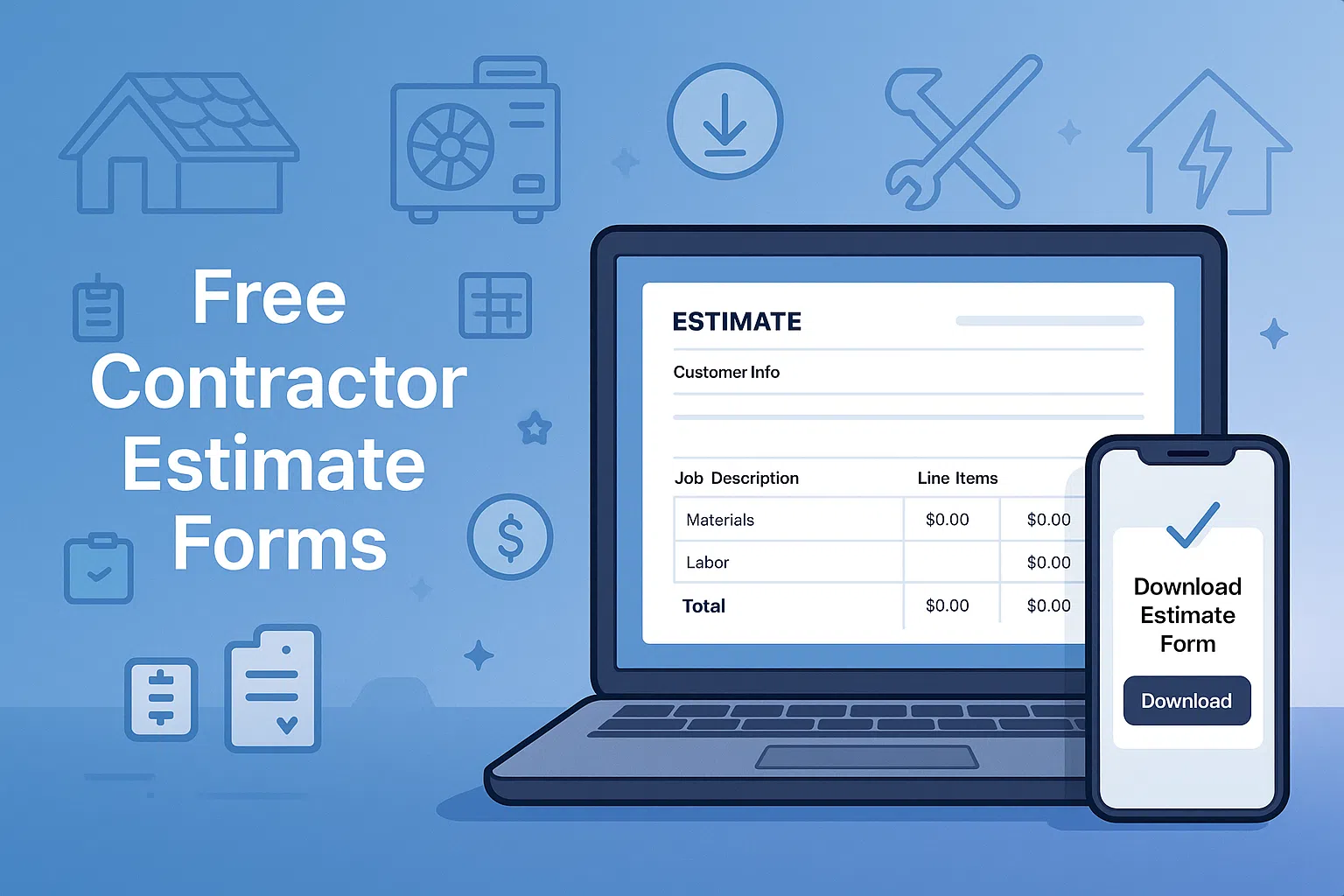
A contractor estimate form is a simple document you use to show a customer what the job will cost before they approve it. It usually includes:
- Customer details (name, address, phone, email)
- Job description or scope of work
- Line items for materials, labor, permits and other costs
- Subtotal, sales tax and job total
- Terms, payment schedule and signature line
If you need a more detailed layout with scope of work and timelines, see the contractor proposal template and scope of work template.
Free contractor estimate forms by trade
Use the linked guides to prepare estimates for different trades. Review the actual resource and any download it identifies; copying a layout into your own document does not establish that a spreadsheet or formula file is supplied.
Roofing estimate form
Breaks down tear-off, underlayment, shingles, flashing, dump fees and permits so homeowners see exactly what they’re paying for.
- Line items by square, plus optional upgrades
- Space for warranty notes and exclusions
HVAC estimate form
Ideal for equipment changeouts and system upgrades. Organizes equipment, accessories, labor and add-ons in a clear layout.
- Separate sections for equipment, install and extras
- Optional “good / better / best” column
Plumbing estimate form
Built for leak repairs, fixture replacements and small repipes. Keep service fee, materials and labor separate so customers understand the price.
- Service call fee, labor and parts
- Notes section for warranty and access issues
General contractor estimate forms
For remodels, additions and multi-trade projects. Combine materials, subs and your markup in one clean layout.
Handyman estimate form
Quick, simple layout for punch lists and small jobs. Perfect for 1–3 person handyman companies and maintenance work.
How to fill out a contractor estimate form (step-by-step)
-
1
Add customer and job details.
Start with the basics: customer name, property address, phone, email and the date of the estimate. -
2
Describe the scope of work in plain language.
Summarize the project in one or two sentences so the customer sees the big picture before the line items. For larger jobs, attach a separate scope of work. -
3
Break out materials and labor.
Use separate lines for major tasks or components. If you charge by flat rate, still list what’s included. -
4
Calculate subtotal, tax and total price.
Calculate and independently check the arithmetic. Confirm applicable tax treatment, permits and any disposal or travel fees for the job. -
5
Set clear payment terms.
Spell out deposits, draws and final payment. For example: “50% due at scheduling, balance due at completion.” -
6
Add a signature area.
Leave space for the customer to sign and date the estimate, especially if you treat signed estimates as your contract.
Estimate vs. quote vs. proposal
Contractors use different words for similar documents, but they’re not always the same thing:
| Document | Best for | Key details |
|---|---|---|
| Estimate form | Quick ballpark pricing | Less detail, can change as scope changes. |
| Quote | Firm price for a defined job | Defined scope, price and reviewed acceptance terms; local law and wording control. |
| Proposal | Larger or higher-ticket work | Includes scope, timelines, options and terms. |
Need full estimate layouts? See the contractor proposal template and estimate template library.
Need another quote preparation guide?
Read the roofing, HVAC and plumbing quote template guide. Verify any offered file or request status there; use project-specific quantities, costs and checked calculations.
Common mistakes contractors make on estimate forms
Review the estimate for these common omissions before sending it:
- No exclusions listed. If something is not included (drywall repair, painting, permits), say it clearly.
- Lumping everything into one line. Show the breakdown of labor, materials and fees.
- Forgetting an expiration date. Prices on materials change. Add a line like “Estimate valid for 30 days.”
- Not capturing customer contact info. Make sure phone and email are on the form so you can follow up.
From estimate forms to AI-powered quotes.
Use the manual steps above to prepare your estimate. If you explore a photo-assisted workflow, confirm current account access and limits. Review any draft against actual job conditions, quantities, prices, applicable taxes and exclusions before sending; a photo does not establish a complete scope or a fixed preparation time.