
Contractor Job Checklist Template (Free Download)
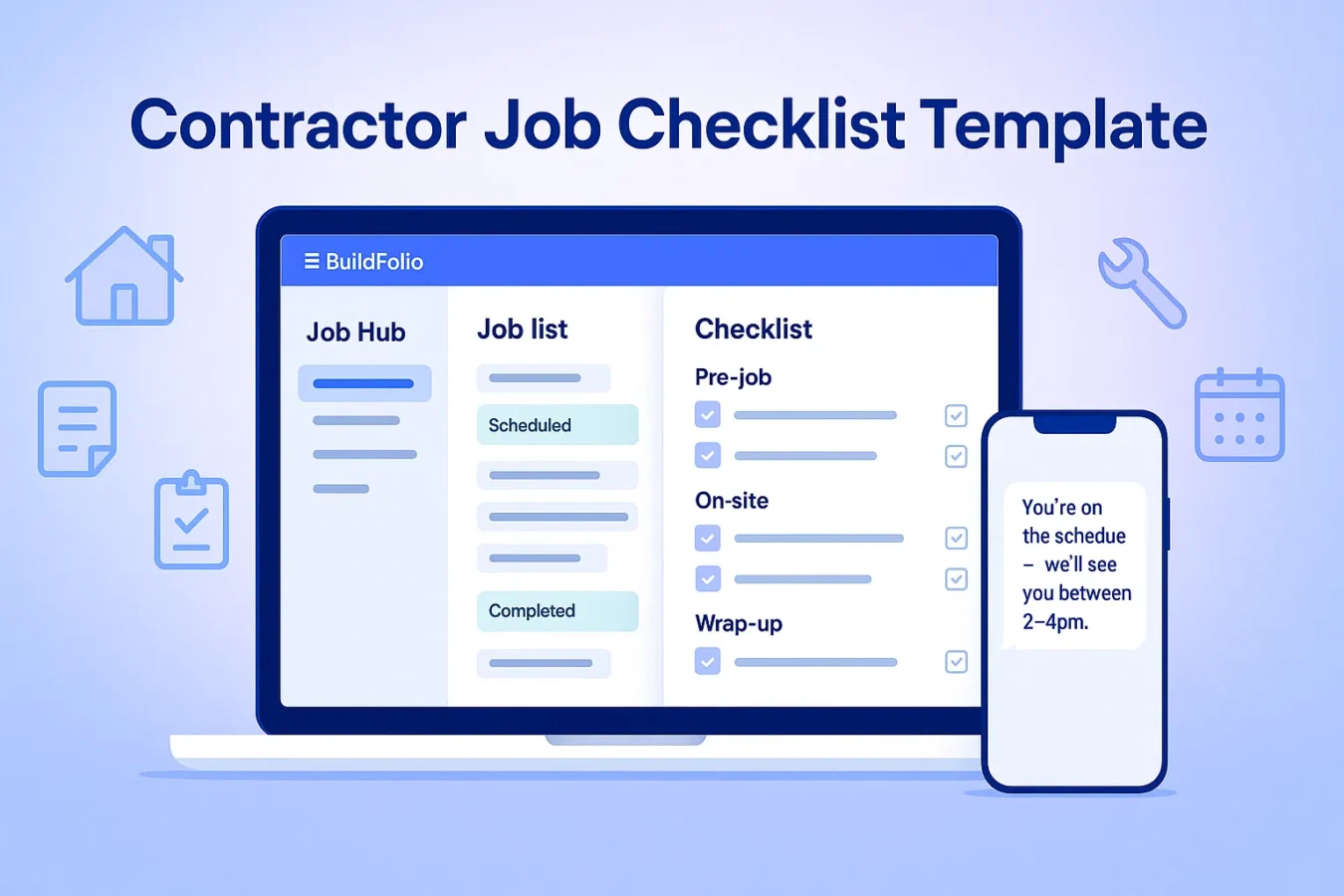
Use this contractor job checklist template to keep every job on track — from first photos to final walkthrough. Copy, paste, and customize it for HVAC, roofing, plumbing, landscaping, and electrical work. Then plug it into BuildFolio Job Hub for photos and invoice reminders; your team can send customer texts separately.
Download Free Job Checklist Template
Get the complete contractor job checklist as a formatted, print-ready document. Pre-job, on-site, and wrap-up checklists included.
By downloading you agree to our Privacy Policy. We’ll email your file plus occasional tips; unsubscribe anytime.
What is a contractor job checklist template?
A contractor job checklist template is a simple list of steps your crew follows on every job: pre-job checks, on-site tasks, photos to capture, and what happens at wrap-up. Instead of relying on memory or sticky notes, you standardize the workflow and make it easy to train new techs.
- Fewer missed steps (no “forgot to take before photos” moments)
- Easier hand-offs between office, estimator, and field crews
- Built-in moments for photos, change orders, and invoice reminders
The template below is trade-agnostic. In the next section we add HVAC, roofing, plumbing, landscaping, and electrical notes so you can turn it into your own standard operating procedure.
Copy/paste contractor job checklist template
Copy, paste, and customizeJOB TITLE / CUSTOMER - Customer name: - Address: - Phone / email: - Job type (HVAC / roofing / plumbing / landscaping / electrical): - Job Hub link: PRE-JOB CHECKLIST [ ] Confirm signed estimate / approval in Job Hub [ ] Confirm deposit collected (if required) [ ] Verify scope, materials, and crew assigned [ ] Check permit status (if needed) [ ] Confirm schedule window with customer via SMS [ ] Add job notes (access, pets, gate codes, parking) [ ] Pre-load before photos or reference pictures (if any) ON-SITE ARRIVAL [ ] Arrive within scheduled window (text if running late) [ ] Take "arrival" photos of area / equipment / roof / yard [ ] Greet customer, re-confirm scope and expectations [ ] Protect floors / landscaping / belongings as needed [ ] Confirm where to park and where to stage materials DURING JOB [ ] Take progress photos at key stages [ ] Note any hidden damage or scope changes [ ] Create change order in Job Hub if needed [ ] Get approval (signature or SMS confirmation) before extra work [ ] Keep work area as clean / safe as possible WRAP-UP CHECKLIST [ ] Take after photos (wide + close-up) [ ] Walk job with customer and review work completed [ ] Confirm any maintenance tips or warranty info [ ] Capture punch list items (if any) in Job Hub [ ] Collect final payment or send invoice link [ ] Ask for review and send review request SMS AFTER THE JOB [ ] Upload all photos to Job Hub [ ] Attach signed estimate / change orders / final invoice [ ] Mark job status as Completed / Paid / Follow-up needed [ ] Trigger invoice reminders if balance is open [ ] Tag job for future maintenance / membership opportunities
Use this contractor job checklist template as a Google Doc, printed form on a clipboard, or digital checklist inside BuildFolio’s Job Hub. The key is that every crew follows the same steps, every time.
Job checklist sections by trade
Add these trade-specific notes to your contractor job checklist template.
HVAC job checklist notes
- Capture model/serial photos of existing equipment
- Confirm thermostat location and power
- Take supply/return temp readings before and after
Roofing job checklist notes
- Before photos: all elevations, flashing, valleys
- Protect landscaping / AC units / grills
- Magnet sweep + final ground cleanup documented in photos
Plumbing job checklist notes
- Shutoff valve locations confirmed and photographed
- Pre- and post-pressure checks recorded
- Leak checks documented with photos or video
Landscaping & electrical notes
- Yard layout / panel photos logged before digging or trenching
- Utility locates confirmed and attached to the job
- For electrical: panel labeling, GFCI tests, and code notes
How to use this job checklist inside BuildFolio Job Hub
Free: checklist + photos in one place
- Create a checklist note template in each Job Hub record
- Attach photos at each stage (arrival, progress, wrap-up)
- Track status tags like “Scheduled”, “In progress”, “Completed”
Professional: automation layered on top
- Trigger email reminders based on job status changes
- Generate estimates quickly with AI Photo-to-Quote
- Turn the finished checklist into a clean invoice and activate invoice reminders
Free vs Pro: where the job checklist fits
Free plan
- Contractor job checklist template stored in Job Hub notes
- Photo uploads + financing button on your website
- Use the job record to guide manual SMS and email
Pro plan
- Job checklist plus SMS templates you send yourself
- AI quotes, Smart Change Orders, and 1-Click Final Invoice
- Automatic Day 3/7/14/30 invoice reminders once the job closes
Contractor job checklist FAQs
Do I need a different contractor job checklist template for each trade?
Not necessarily. Many companies use one core contractor job checklist template and add trade-specific notes (like HVAC readings or roofing cleanup) on a second page. Start with one template and split by trade only if you need to.
Can my crew use this job checklist on paper?
Yes. You can print the template, laminate it, or drop it into a clipboard. Over time, moving the contractor job checklist into BuildFolio makes it easier to attach photos, quotes, and invoices to each job.
How does this relate to work orders and change orders?
The job checklist tells your crew what to do on-site. A contractor work order template defines the scope, and a change order template captures any extra work and updated totals.
Can BuildFolio replace my existing CRM or field service software?
Many contractors start by using BuildFolio just for lead capture and job checklists, with manual missed-call follow-up alongside tools like Jobber or Housecall Pro. Over time, you can move more of your workflow into Job Hub if it makes sense.
Turn your contractor job checklist into a simple system.
Start free with Job Hub, photos, and financing buttons. Upgrade to Pro when you’re ready for AI quotes and team-sent follow-up templates, and invoice reminders.