
Contractor Lead Capture Mistakes: 10 Fixes You Can Do Today
Contractor lead capture mistakes quietly kill booked jobs: forms buried below the fold, no photos, no monthly payments, and no follow-up. This checklist shows the 10 most common issues and how to fix them fast using BuildFolio’s free lead capture widget and Professional quoting and reminder tools.
10 contractor lead capture mistakes (and quick fixes)
-
1) No lead capture above the fold Visibility
If your only form is on a “Contact” page or buried at the bottom, most visitors bounce before they ever see it.
Fix:
Put a call to action in the hero of your main service pages. Use the BuildFolio lead capture widget above the fold and repeat it near pricing and FAQs.
-
2) Asking for way too much info on step one Friction
Big forms with 15+ fields (full address, budget, scope, referrals, etc.) scare people away—especially on mobile.
Fix:
Start with name, phone, email, and a short message. Let BuildFolio capture photos and the address, then use SMS follow-ups to collect details after they raise their hand.
-
3) No photo upload option Qualification
When a lead just says “AC making noise”, you waste time chasing photos and context before you can price or even decide if it’s a fit.
Fix:
Turn on photo uploads in the BuildFolio widget (Free includes 50 photos/month, Professional is unlimited). Photos feed straight into your dashboard and AI Photo-to-Quote, so you can qualify jobs and quote faster.
-
4) No “see monthly payments” or financing button Price shock
If a homeowner only sees the full ticket price, they may ghost you—even if they could comfortably handle a monthly payment.
Fix:
Add the free financing widget (“See monthly payments”) from BuildFolio. It runs through Fiona, uses soft inquiries, and lets you talk in terms of simple monthly payments without becoming a lender yourself.
-
5) Slow response to calls and web leads Speed-to-lead
If you call back hours later, the homeowner has usually booked with someone else—or they’re back at work and not picking up.
Fix:
Set a callback target for your team and use ready-to-send SMS templates after missed calls. BuildFolio Pro provides templates, but your team sends the messages.
-
6) Dead-end “thanks” pages Next step
A generic “Thanks, we’ll be in touch” with no time window creates anxiety and more follow-up work for your office.
Fix:
Use BuildFolio’s confirmation messages to set expectations: “We’ll text you 2–3 time options in the next 5 minutes.” Then text those options over yourself right away.
-
7) No reviews or proof near the form Trust
Even if you have great Google reviews, if they’re only on a separate page, many visitors never see them before deciding.
Fix:
Add 2–3 short testimonials and review badges right next to your lead capture. Then use BuildFolio’s review request templates to keep new reviews coming in.
-
8) No tracking of clicks, starts, and submitted leads Data
If you don’t know which pages or CTAs generate the most leads, you’re guessing when you “optimize” your site.
Fix:
Use BuildFolio’s real-time dashboard to track widget clicks, started forms, completed leads, photo uploads, and financing clicks. Map events into GA4 and adjust placement based on what actually converts. For performance tuning, run PageSpeed Insights on your high-intent pages.
-
9) No reminders around invoices or balances Collections
Manually chasing every invoice by phone and email is slow and awkward, and it makes future marketing a lower priority.
Fix:
Turn on invoice reminders in BuildFolio Pro. Use a Day 3/7/14/30 cadence with smart links so you get paid faster while your team stays focused on installs and service calls.
-
10) Not using AI to turn photos into draft quotes Throughput
If every estimate starts from a blank page, you’ll always hit a bottleneck when leads spike or when your estimator is out.
Fix:
Use AI Photo-to-Quote in BuildFolio to turn job photos into draft line items and scopes that you can edit and send. You stay in control of pricing and terms—AI just accelerates the first draft.
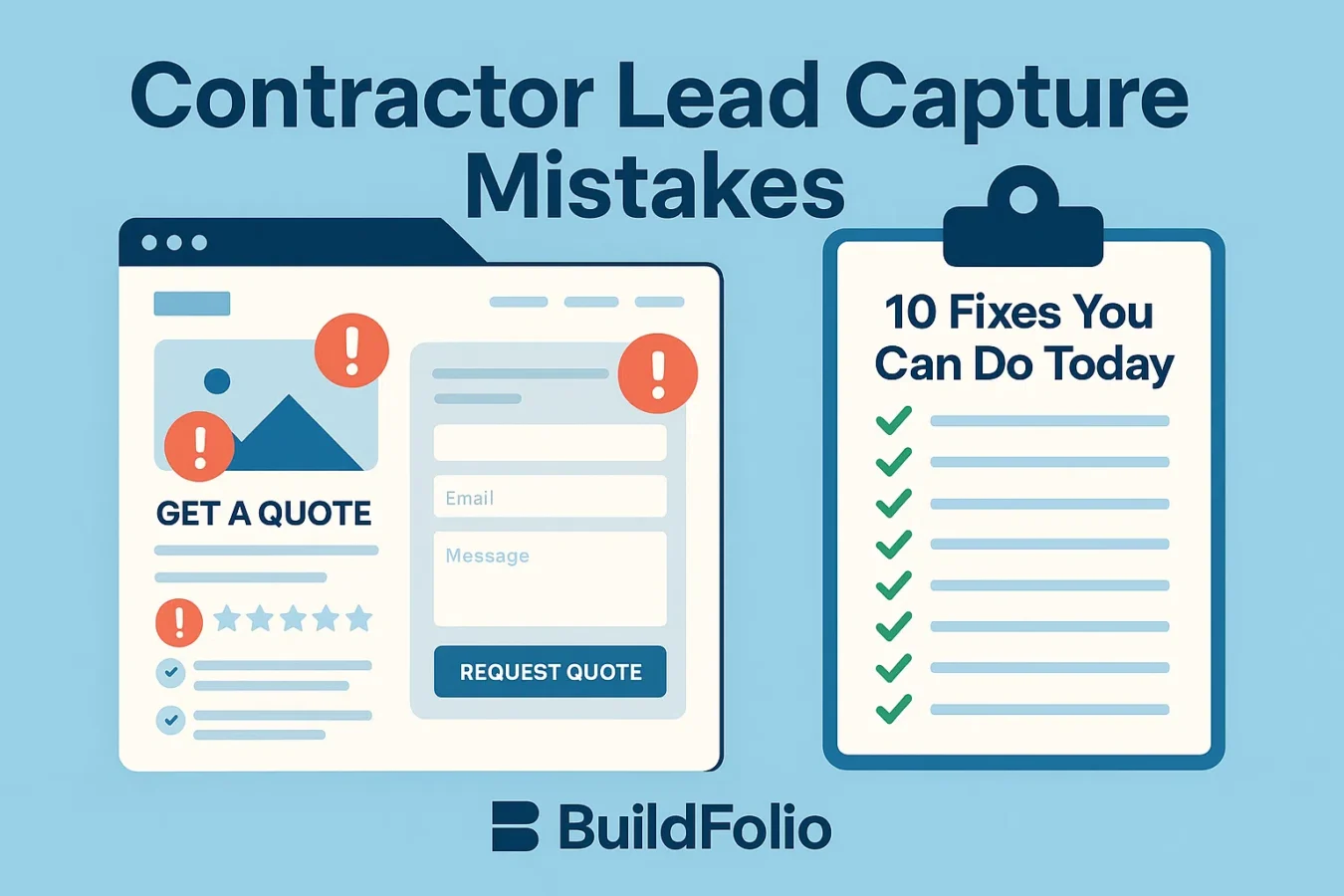
How BuildFolio fixes contractor lead capture mistakes
Think of BuildFolio as your contractor revenue OS. The Free plan gives you the core tools to stop wasting leads; Pro adds AI quoting, invoice reminders, and templates your team uses for follow-up.
Free — fix the basics today
- Lead capture widget with photo uploads (50 photos/month)
- Free financing widget (“See monthly payments” via Fiona)
- Unlimited widgets across your website
- Real-time dashboard for clicks, leads, and financing interest
Pro — support the follow-through
- Copy-paste SMS follow-up templates your team sends after missed calls
- Review request templates for after closed jobs
- AI Photo-to-Quote from lead photos
- Invoice reminders with Day 3/7/14/30 cadences
Contractor lead capture FAQs
What is a contractor lead capture mistake?
A contractor lead capture mistake is anything on your website or intake process that makes it harder for homeowners to contact you or easier for them to drop off—like burying your form, asking too many questions, or not offering monthly payments.
How do I know which lead capture fixes to do first?
Start with visibility (put the widget above the fold), then friction (shorten the form), then speed-to-lead (set a manual follow-up target). You can do all three in under an hour with BuildFolio.
Can I use BuildFolio alongside my existing CRM?
Yes. Many teams use BuildFolio to capture and qualify leads with photos and financing, then sync or copy booked jobs into their existing CRM for scheduling, dispatch, or accounting.
- Contractor Lead Capture Form Guide — layout, fields, and follow-up best practices
- Free Lead Capture Widget for Contractors — paste a widget on any website in minutes
Never lose another qualified lead to simple mistakes.
Turn on better lead capture today with BuildFolio. Free to start, upgrade when you’re ready.