
Contractor Lead Capture Form: A Free Setup Guide
A contractor lead capture form should be more than “Name / Email / Message.” This guide walks through where to place it, which fields to include (photos, addresses, financing), and how to plug everything into BuildFolio’s free lead capture widget so you’re ready for AI quoting and team follow-up.
What a contractor lead capture form should actually do
The job of your contractor lead capture form is not just to “collect contact info.” It’s to capture enough context to decide who to call first—without scaring away good jobs. With BuildFolio, you can:
- Collect photos so you can pre-qualify jobs before rolling a truck.
- Capture address and contact details for “on my way” texts and accurate scheduling.
- Offer “See monthly payments” with the free financing widget to reduce sticker shock.
- Send everything into a real-time dashboard that’s ready for your team to follow up and use AI Photo-to-Quote.
You can build your own form or paste BuildFolio’s lead capture widget and contractor financing widget onto any site in a few minutes.
Where to place your contractor lead capture form
Most forms underperform because they’re buried below the fold or surrounded by walls of text. Use your form as a clear “next step” wherever a homeowner is most interested.
High-intent pages
- Service pages (e.g., “AC replacement”, “Roof repair”, “Water heater install”).
- “Get a quote” or “Schedule estimate” pages.
- Pricing, coupons, and financing pages.
Placement checklist
- Place a form or “Get a Quote” button above the fold.
- Repeat a shorter version or button near the bottom of the page.
- Make the submit button action-oriented: “Get a Free Estimate” or “Send My Photos”.
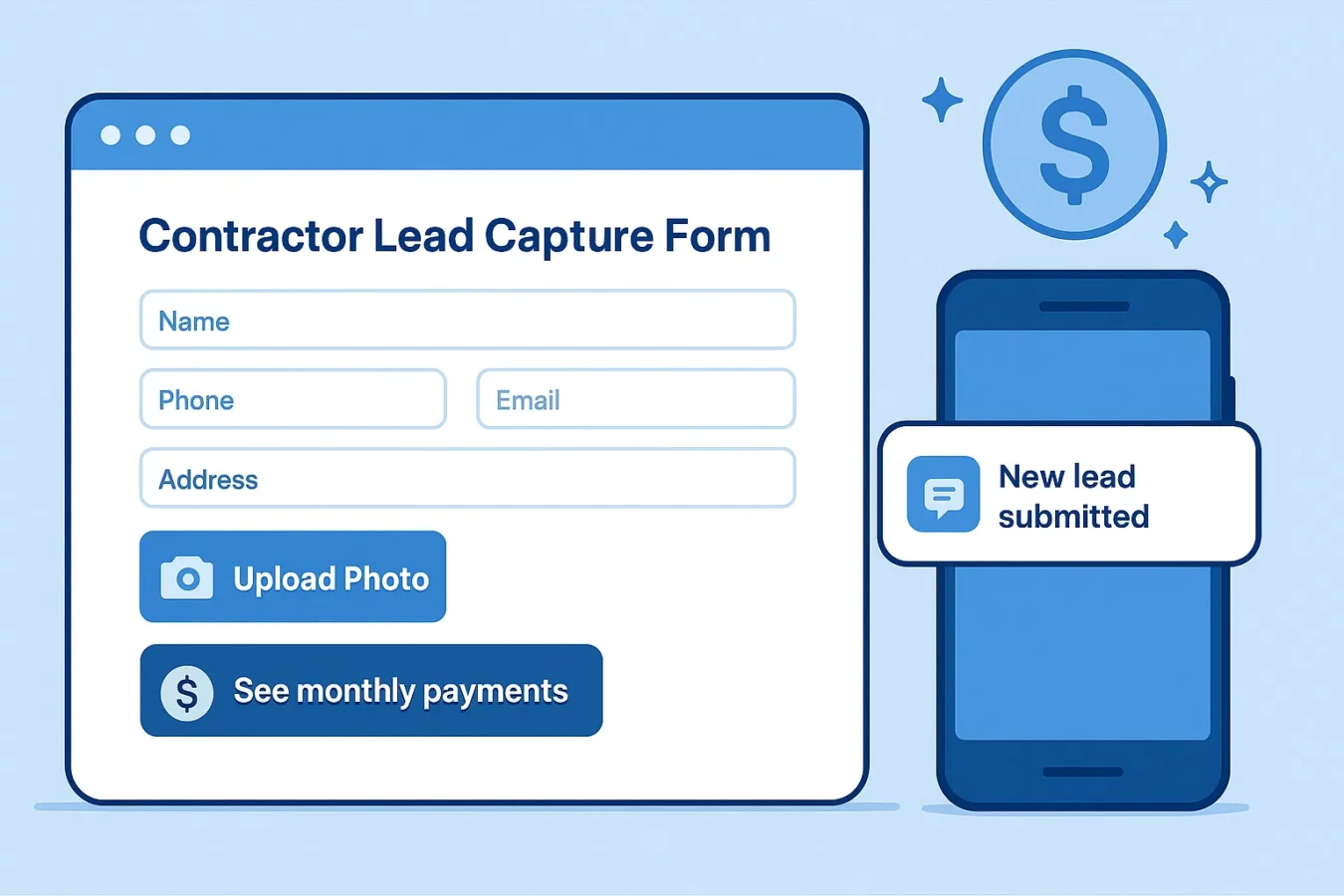
Recommended contractor lead capture form fields
Start short, then add detail based on your trade. BuildFolio’s lead capture widget is tuned for HVAC, roofing, plumbing, and electrical, but you can apply the same pattern to any form.
Must-have
- Name (first + last or just name)
- Mobile phone (if you plan to contact the homeowner)
- Email (backup channel)
- Address or city/ZIP
Job details
- Photo upload (damage or project photos)
- Job type (dropdown: repair / replace / new)
- Short description box (“What’s going on?”)
- Preferred time windows for contact
Conversion boosters
- “Interested in financing?” yes/no toggle.
- A “See monthly payments” button using the free financing widget.
- If you plan to text leads, arrange appropriate consent in your own intake process.
- “How did you hear about us?” (optional).
On the Free plan, BuildFolio includes photo uploads (50/month), a financing widget, and a dashboard for all your contractor lead capture forms. Professional adds follow-up and review-request templates your team sends, plus AI Photo-to-Quote so you can generate draft estimates directly from those photos.
Speed-to-lead: set a manual follow-up process
Free: manual follow-ups
- Leads appear instantly in your BuildFolio dashboard.
- Check your dashboard for new submissions.
- Call or text back using your usual process.
This is perfect if you’re just getting started or want to validate website traffic before upgrading to AI quotes and reminders.
Professional: tools for team follow-ups
- Missed-call follow-up handled by your team using a callback or text.
- Copy-paste SMS templates your team sends after form submissions (“Got your photos, here’s what’s next…”).
- Review request templates your team sends after completed jobs.
- Invoice reminders and payment links when it’s time to collect.
Combined with AI Photo-to-Quote, you can go from submitted photos to a draft estimate in minutes—without manually re-typing details.
Simple contractor lead capture form template
Whether you’re using BuildFolio’s widget or a form builder, this is a good starting point for most contractor sites:
Pick your capture spot
Add the form to a high-intent page (service, “Get a quote”, or pricing). Put it above the fold and repeat as a button further down.
Keep the first step short
Ask for name, mobile, email, address, and at least one photo. You can collect more detail later over SMS or on site.
Add the financing button
Use BuildFolio’s free contractor financing widget to show “See monthly payments” and capture financing interest without a hard credit pull.
Confirm what happens next
After submission, tell the customer what to expect: “We’ll text you scheduling options within 5–10 minutes during business hours.”
Stop spam, keep friction low
Use a honeypot or reCAPTCHA on custom forms. BuildFolio’s widget includes built-in protections so you don’t have to overcomplicate the flow.
Add follow-up tools when you’re ready
When your volume grows, use manual missed-call follow-up templates and Invoice Reminders so your team can follow up with leads while invoice reminders run.
- Free Lead Capture Widget for Contractors — paste a ready-made widget on any website
- Contractor Lead Capture Software — compare tools for capturing and qualifying leads
Set up your contractor lead capture form today.
Free forever tier. AI quotes and invoice reminders when you’re ready.