
Emergency Roofing Leads — Turn Storm Calls into Booked Jobs
When hail storms and leaks hit, emergency roofing leads spike for 48–72 hours — then disappear. This guide shows how to use BuildFolio to catch those calls: photo intake on your site, a “See monthly payments” button, manual missed-call follow-up, and roofing-specific SMS templates. Automatic missed-call text-back is currently unavailable.
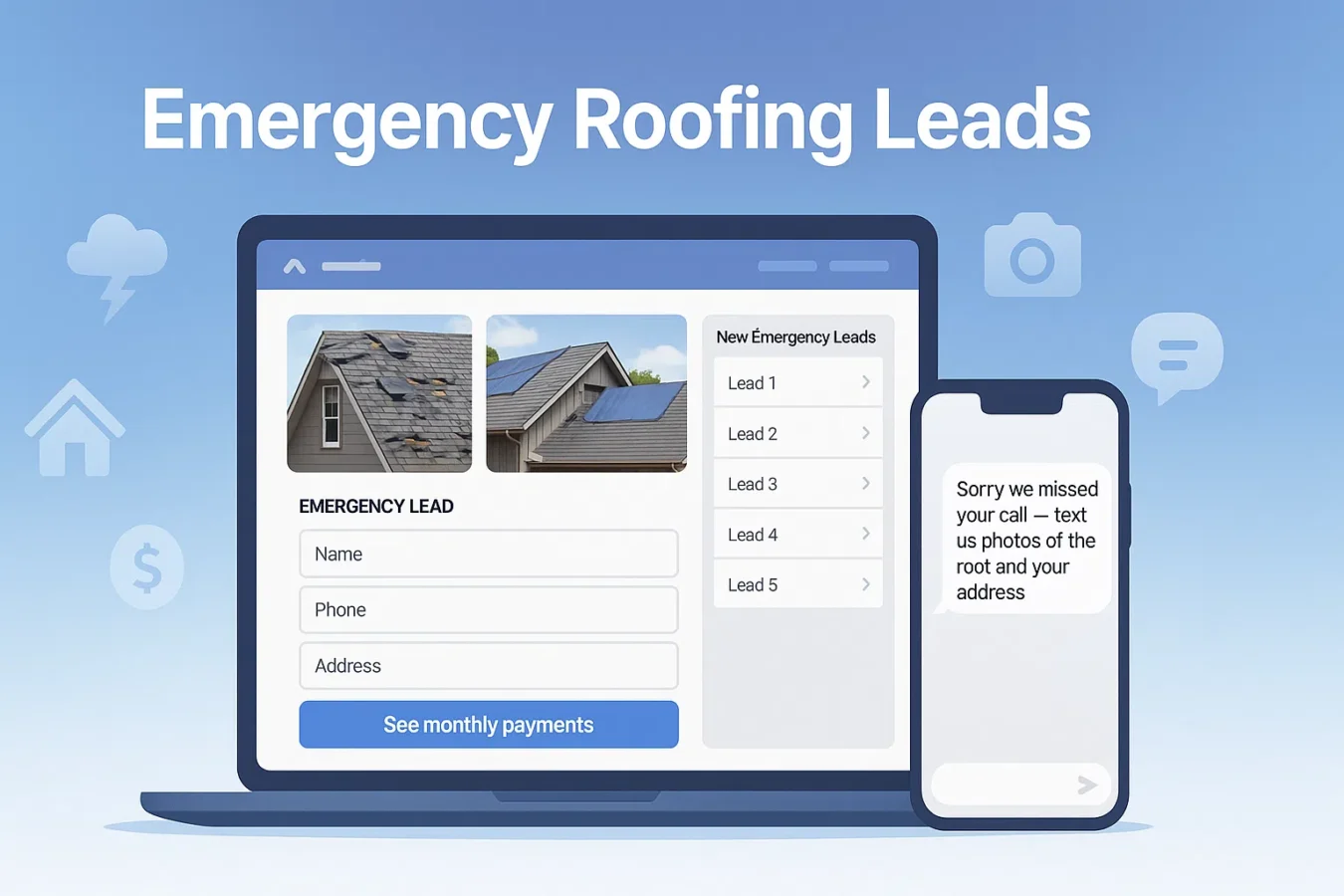
Why emergency roofing leads behave differently
A homeowner with a slow leak will browse. A homeowner with shingles in the yard after a storm will call down the list until someone picks up. Your job is to capture the lead even when you can’t answer the phone.
Short decision window
Most emergency roofing leads hire within 24–72 hours of noticing the problem.
High-ticket projects
Roof replacements and storm repairs are $8K–$20K jobs — price and financing matter.
Multi-bid behavior
Homeowners often call 3–5 roofers. Whoever responds first with options usually wins.
Instead of bidding against 5 other roofers from the same Angi lead, BuildFolio helps you own your emergency roofing leads from your website, Google Business Profile, and ads.
Step 1 — Capture emergency roofing leads on your site
Start by adding the BuildFolio lead capture widget and roofing financing widget to your homepage and storm-related pages.
Above-the-fold widget placement
- “Get emergency roof help” button or inline form in your hero.
- Photo upload for shingles on the ground, interior ceiling stains, and attic shots.
- Address + phone so you can route crews and send “on my way” texts.
Copy ideas for emergency CTAs
Roof leaking? Send photos
Storm damage? Text us pics
See roof repair payment options
No-obligation emergency estimate
Upload hail damage photos
For more placement ideas, see contractor lead generation without ads.
Step 2 — Turn missed storm calls into emergency roofing leads
During storms, you’ll miss calls. Reply from your current phone using a ready-to-send template and ask for photos. Automatic missed-call text-back is currently unavailable.
Hi {{first_name}} — {{company}} roofing here.
Sorry we missed your call. Text 2–3 photos of the roof (and ceiling if safe) +
your address and we’ll reply with options and timing.
Add a second version for hail storms with language like “hail damage” and “insurance claim”. You can grab more examples in Missed-call text-back templates or roofing SMS templates.
Step 3 — Show roofing financing options early
Storm or not, many homeowners can’t write a $12K check on the spot. Showing roofing financing options turns “I need to think about it” into “Those payments look doable.”
Where to show financing
- Next to “Get emergency help” on your homepage.
- Inside estimates as “See monthly payments”.
- In SMS follow-ups after an inspection.
Example SMS with financing
Hi {{first_name}} — here’s your roof estimate:
{{estimate_link}}

You can also preview monthly payments (no hard pull):
{{financing_link}}
Deep dive: Roofing financing widget and contractor financing options guide.
Step 4 — Roofing SMS templates for emergency leads
Here are SMS snippets you can copy into your current phone or CRM and send yourself.
Adjust tone for your brand and add merge tags like {{first_name}} and {{address}}.
Missed-call reply (storm)
Hi {{first_name}} — {{company}} Roofing.
Sorry we missed your call.

Text photos of the roof (and any ceiling spots) +
your address and we’ll reply with timing + options.
Post-inspection follow-up
Thanks for having us out today, {{first_name}}.
Here’s your roof estimate + options:
{{estimate_link}}

You can also see monthly payments here:
{{financing_link}}
Storm-damage nurture (Day 3)
Quick check-in — still seeing leaks or missing shingles?
We have openings {{next_slot}}. Reply YES and we’ll hold a spot.
Hi {{first_name}} — if we earned 5⭐ today,
a quick review helps a ton:
{{review_link}}

If anything wasn’t perfect, reply here and we’ll fix it.
Grab a full 14-day set of copy-paste templates in the 14-Day SMS Follow-Up Template Set guide.
How to set this up in BuildFolio (Free → Professional)
Free — capture emergency roofing leads
- Sign up free → app.build-folio.com/signup
- Paste the lead capture widget on roofing + storm pages.
- Enable the roofing financing widget for “See monthly payments”.
Pro — add quoting and reminders
- Prepare manual missed-call follow-up templates and send them from your current phone.
- Use AI Photo-to-Quote to draft roof estimates from photos.
- Enable invoice reminders to chase final payments.
Emergency roofing leads FAQ
Do I need BuildFolio to use these emergency roofing lead ideas?
You can adapt the copy and SMS templates to any system. BuildFolio combines lead capture, a financing widget, and AI quoting; your team handles missed-call follow-up manually.
Will this replace Angi or other lead marketplaces?
Probably not overnight. The goal is to own more of your emergency roofing leads from your website, GBP, and ads so you rely less on shared leads over time.
Is there extra cost for the roofing financing widget?
No. The financing widget is included on the Free tier. You only pay if you upgrade to Pro for automation features.
Does this help with insurance claims?
Yes. Homeowners can finance deductibles and upgrades beyond what insurance covers. You can also track photos, notes, and documents in Job Hub alongside each claim.
Be first to every storm lead.
Capture emergency roofing leads with photos and a financing widget. Send follow-up texts from your current phone; Pro adds AI quoting and invoice reminders.