
Contractor Lead Generation Without Ads: 4 Manual Plays
Originally published . Reviewed October 19, 2026.
Use four manual plays to review your contact path, financing information, follow-up and feedback. These are practical tasks to inspect and adapt, not evidence of more leads, a ranking effect or a booked-job outcome.
What a manual no-ads process can include
Review the process on your existing site using the inquiries and outcomes you can actually verify. The four plays below are tasks, not a prediction of traffic or growth.
- Clear CTAs in the right spots (not buried at the bottom).
- Relevant photos, when safe and available, with unknown job facts recorded for human review.
- A separate financing path, where appropriate, with actual provider options and terms.
- A responsible person, agreed contact channel and a response window the team can actually staff.
BuildFolio captures requests from your website. Your team handles follow-up, including any texts sent through your own phone or texting tool.
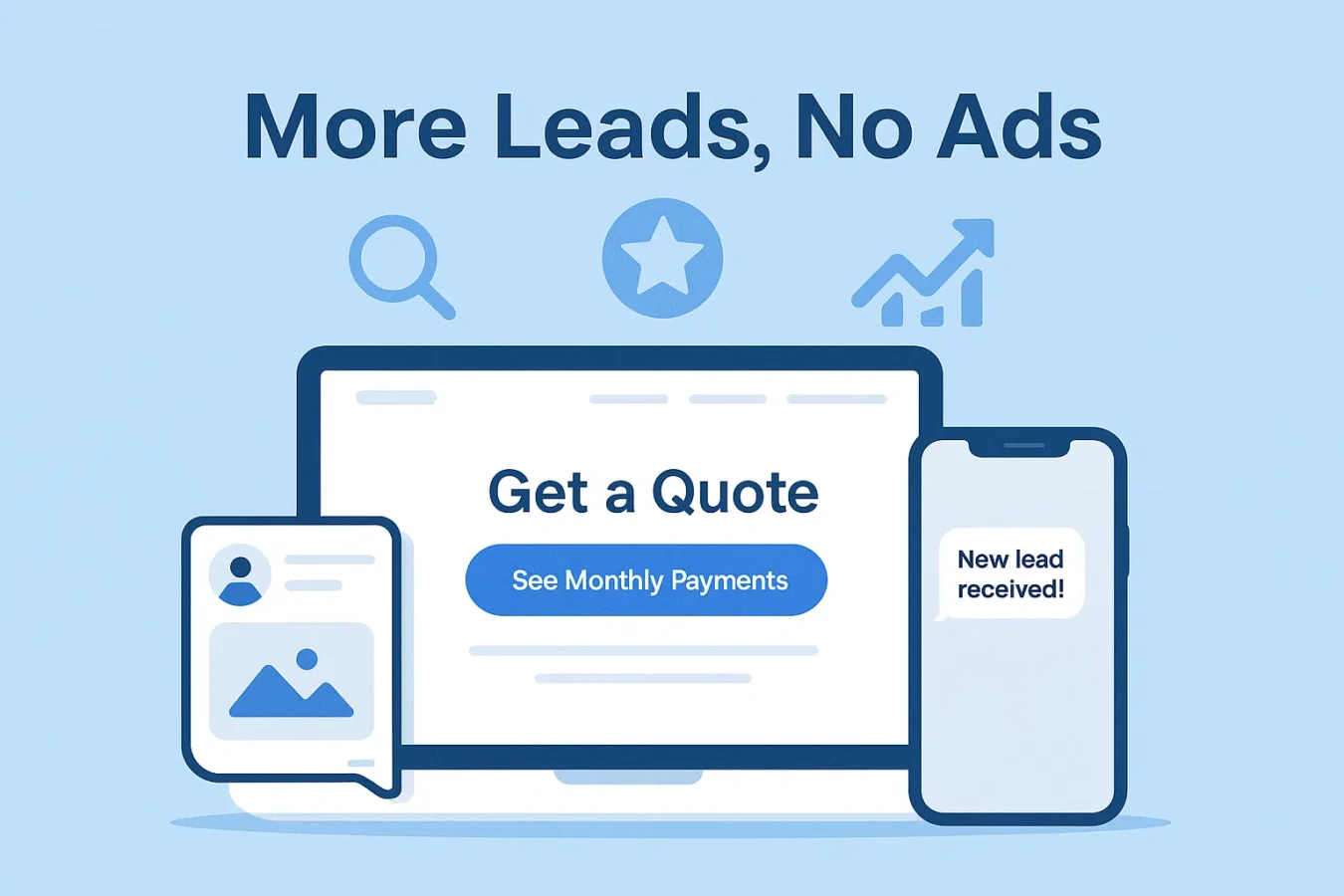
4 manual plays to review and adapt
Choose one play based on an observed gap in your own process. Record the change and actual result without assuming it increased conversion.
Play 1 – Fix placement on your site
Inspect whether a customer can find the intended contact path on the actual page and phone layout.
- Place a clear contact link where appropriate; a configured floating bubble differs from an inline form. Check the actual method and site requirements.
- Repeat a shorter CTA near pricing sections and FAQs.
- Use clear, benefit-driven copy like “Get a photo quote” or “See monthly payments.”
Compare the free lead capture widget and separate financing button with your actual site. A widget needs active configuration and permitted scripts; platform names alone do not establish compatibility.
Play 2 – Qualify financing interest
If a customer asks about payments, let them review the provider’s actual options. An example monthly amount is not approval, eligibility or a confirmed credit-inquiry type.
- Show a financing destination only where relevant and actually available, separate from the job inquiry.
- Check the provider’s actual eligibility, terms and credit-inquiry disclosures; do not promise a soft-only or no-hard-pull result.
- Review the actual job scope and total cost without assuming financing will change the customer’s decision.
If you choose the contractor financing widget, verify current configuration and provider terms. A click is not an application, approval or funded job.
Play 3 – Assign manual follow-up
If you’re on a roof or under a house, you’re not calling every new lead back in five minutes. A clear callback routine and prepared messages can help you respond sooner.
- Choose a responsible sender and a staffed response window; send only through an agreed, authorized channel.
- Adapt any later follow-ups to the actual reply, contact preference and job status. Record whether a message was actually sent or received.
- Invite honest feedback or discuss a separate referral offer when appropriate; a template does not send itself.
Your team reviews and sends manual examples. If using invoice reminders, check actual settings, invoice status and delivery; neither a template nor a reminder setting proves payment.
Play 4 – Turn jobs into reviews & referrals
Consider authentic customer feedback and a clearly described referral offer as separate activities, with permission and actual terms.
- Invite an honest review of the customer’s experience, without selecting recipients based on expected rating.
- Send a “How did we do?” check-in with a link to your review profile.
- Describe any referral offer and its actual terms separately from reviews; do not reward a particular review or rating.
Record the manual request and any verified reply. Check actual tools and account access rather than assuming templates, automatic sync or downstream business results.
How BuildFolio fits into your “no ads” lead generation strategy
Use BuildFolio only for the configured tasks and access you actually verify, alongside a manual owner and a record of unknowns.
- Free: Check active capture configuration, photo usage and actual provider terms. Free limits include 3 saved estimates, 50 photo uploads and 5 shared AI actions in applicable usage windows; calendar-month resets are not assured.
- AI and paid tools: Eligible estimate-photo AI Photo-to-Quote can be available on Free within shared limits. Check advanced paid-tool access separately and review every draft before sharing.
- Manual handoff: Transfer reviewed information to another CRM only where permitted; verify fields, access and actual integration. This guide establishes no automatic sync or universal compatibility.
Quick checklist for your next website edit
- Add a lead capture CTA above the fold on every key service page.
- If financing is relevant, link to actual provider options and terms rather than presenting an assumed monthly amount or approval.
- Add 2–3 short testimonials close to your primary CTA.
- Use PageSpeed Insights for a separate page-performance check; it does not establish a conversion result.
FAQs: contractor lead generation without ads
Do I need more traffic, or just better conversion?
Compare visits to the relevant page with received inquiries over the same period. If people arrive but cannot find or complete the contact path, fix that observed problem first. If the path works and relevant visits are scarce, examine how people find the page. Keep unknown sources or missed inquiries marked as unknown; these counts alone do not establish why performance changed.
Will using BuildFolio help my SEO?
These tasks do not establish a search-ranking effect. Review actual search performance separately and describe only what the evidence supports.
Can I use BuildFolio with my existing CRM or field software?
A person can transfer reviewed inquiry details into a chosen CRM where permitted. Verify fields, access and any actual integration; this guide does not establish automatic sync or universal compatibility.
Is there a long-term contract?
Check current plan access, usage limits and cancellation terms. Before changing an account, preserve records you need through options you can actually access; continued access or retention is not established here.
- Contractor Lead Sources Compared — compare paid, shared, and first-party acquisition channels
- Free Lead Capture Widget for Contractors — inspect active configuration and actual site requirements.
- Contractor Lead Capture Form Guide — fields, layout, and follow-up best practices
Choose one manual play
Start with an observed task, a responsible sender and actual confirmation. Free signup is distinct from paid tools; check current access, configuration and usage before relying on a workflow.