
Photo Estimate Software for Contractors — How AI Photo-to-Quote Fits Your Workflow
Photo estimate software for contractors turns homeowner photos into draft line-item estimates you can edit, send, and track. BuildFolio connects AI Photo-to-Quote with your lead capture widget, SMS automation, financing button, and invoice reminders—so one set of photos powers your whole flow from lead → quote → job → payment.
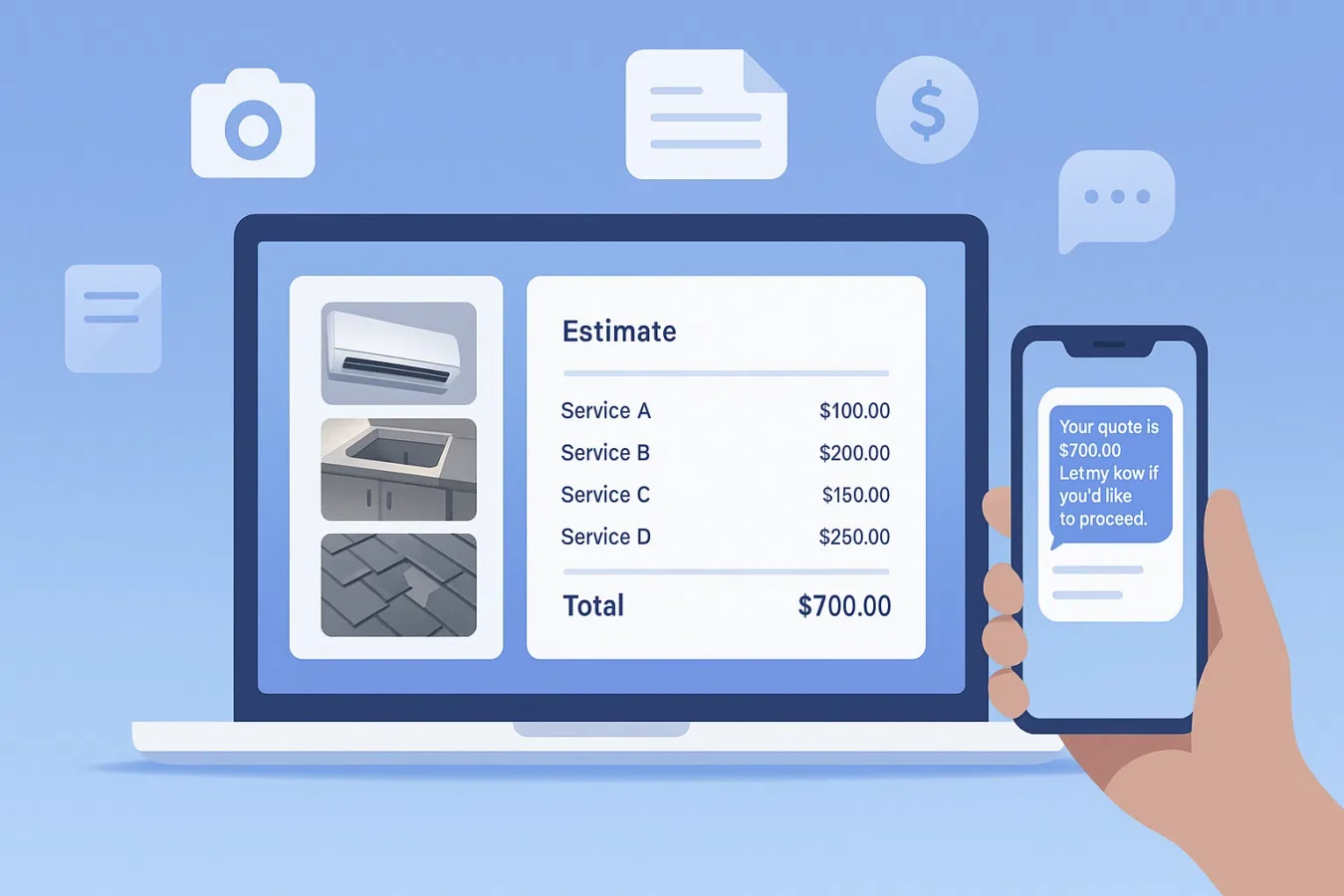
Watch AI Photo-to-Quote build a quote in 60 seconds
See how BuildFolio turns job photos and a short description into a Good/Better/Best estimate, scope of work, and ready-to-send estimate in under a minute.
What is photo estimate software for contractors?
Photo estimate software for contractors lets homeowners send pictures of the job—roof, condenser, panel, leak, yard—and turns those photos into a draft scope with line items, quantities, and pricing. It doesn’t replace your judgment; it gets you 60–80% of the way so you can quote faster and follow up consistently.
- Collect photos and details via your website widget, not just email or voicemail.
- Use AI to draft scopes and material lists based on your own price book templates.
- Send estimates as SMS/email smart links with built-in approval and payment options.
The goal isn’t “no site visits ever”—it’s fast, consistent quoting so you win more jobs without living in your inbox.
How AI Photo-to-Quote works in BuildFolio
Capture photos from your site
Your lead capture widget lets customers upload photos and details on your website or landing pages.
AI drafts the estimate
AI Photo-to-Quote maps what it sees in the images to your price book and generates draft line items, quantities, and scope notes.
You review, tweak, and send
You adjust pricing, add exclusions, and choose whether to send as a PDF or smart link via SMS/email.
Follow up automatically
SMS automation nudges open quotes, and invoice reminders help collect payments on approved work.
One workflow, not five disconnected tools
- Photos come from your BuildFolio widget, not ad-hoc text threads.
- AI generates the draft; you keep control of final pricing and scope.
- SMS, email, financing, and reminders are all attached to the same job.
BuildFolio is designed for contractors, not generic CRMs—photo intake, financing, and texting are first-class features.
Best trades for photo-based estimates
Photo estimate software works best when you can see most of the scope from pictures, then verify details on-site before finalizing.
Hail, wind, or aging roofs—photos + address let you triage and prioritize quickly.
System replacements: unit photos + label + panel let you propose swap options and financing.
Common repairs and fixture swaps—photos narrow scope before you roll a truck.
Patios, paths, and beds—yard photos plus rough dimensions help pre-qualify budget.
For highly custom remodels, AI-assisted photo estimating still helps you triage and pre-qualify before investing a full in-person visit.
Free vs Pro: how photo estimate software fits
Free — capture photos & interest
- Lead capture widget with photo uploads (50/month)
- Financing widget for “as low as $/mo” framing
- Real-time dashboard and basic event tracking
Pro — automate quotes & follow-ups
- AI Photo-to-Quote: draft photo estimates from your price book
- Missed call text-back & SMS sequences
- Invoice reminders after approval
How to set up BuildFolio photo estimates in 10–15 minutes
1) Add the widget to your site
Paste the lead capture widget on your service or estimate pages (WordPress, Wix, Squarespace, Webflow, custom HTML).
<!-- BuildFolio Lead Capture Widget -->
<script src="https://build-folio-api.fly.dev/widget/bubble.js"
        data-org-id="YOUR_ORG_ID"
        data-primary-color="#FF6B35"
        data-button-text="Get a Free Quote"
        data-greeting-text="Send us a message and we'll call you within 15 minutes!"
        data-enable-photo="true"
        data-position="bottom-right"></script>
Configure appearance and fields in your BuildFolio dashboard.
2) Turn on AI Photo-to-Quote
- Join the waitlist from your account (Professional trial).
- Import or build your price book items and labor.
- Define common templates by trade (roofing, HVAC, plumbing, etc.).
- Test with a few internal jobs before rolling out widely.
As photos come in, you’ll see suggested line items you can accept, edit, or remove—you approve everything.
Photos vs in-person visits: when to use which
Use photo estimate software when…
- You’re triaging many inbound requests at once.
- Scope is standard (e.g., system swap, common repair).
- You want budgetary ranges before sending a tech out.
Still schedule in-person visits when…
- There are safety concerns or code-heavy work.
- You need measurements that can’t be captured in photos alone.
- High-ticket or highly custom jobs demand a walk-through.
Many contractors use photo estimate software for fast, preliminary quotes, then lock in numbers after a formal visit. For estimating best practices, see the SBA’s guidance on pricing and job costing.
BuildFolio vs Other Photo Estimate Software
Most contractor tools don’t have AI photo-to-quote built in. Here’s how BuildFolio compares:
vs Jobber
Jobber tracks jobs but can’t turn photos into estimates. BuildFolio’s AI drafts line items from customer photos automatically.
vs ServiceTitan
ServiceTitan costs $400+/mo per tech. BuildFolio offers AI Photo-to-Quote, SMS automation, and financing at $39/mo total.
vs Housecall Pro
Housecall Pro has no AI quoting. BuildFolio turns photos into draft estimates with financing and SMS follow-ups built in.
See where you’re leaving money on the table. Takes 2 minutes.
FAQ: photo estimate software for contractors
Does AI replace my estimator?
No. AI Photo-to-Quote drafts a starting scope based on photos and your price book. You review, adjust, and approve the final estimate before sending it to a homeowner.
Do I have to change my whole process?
No. Start by capturing photos with the widget and using AI for a subset of jobs—like replacements or common repairs—while keeping your existing process for more complex work.
Which plan do I need?
Lead capture, photo uploads (50/month), and the financing widget are available on Free. AI Photo-to-Quote, SMS automation, and invoice reminders are part of Professional.
Will photo estimate software help my close rate?
Most contractors see gains from quoting faster, framing monthly payments, and following up automatically. Results vary by trade, ticket size, and local demand.
- Virtual Estimates for Contractors — quote jobs from photos without a site visit
- Contractor Quoting Software — Good/Better/Best estimates in 60 seconds
Turn customer photos into quotes and jobs.
Start free with photo intake and financing. Upgrade when you’re ready for AI photo estimates and SMS automation.