
Free Contractor Invoice Templates (PDF, Excel, Word)
Use these contractor invoice templates to bill HVAC, roofing, plumbing, landscaping, and electrical jobs without starting from scratch. Copy/paste line items, plug in your logo and terms, then upgrade to AI-powered invoices and Smart Invoice Reminders in BuildFolio when you want automation.
Download All 10 Invoice Templates (Free)
Get every invoice template in a formatted, ready-to-use document. Includes all trades with line items, payment terms, and email scripts.
What are contractor invoice templates?
A contractor invoice template is a reusable layout that already includes the fields you need to get paid: customer info, job details, line items, taxes, and payment terms. Instead of rebuilding invoices in Word or Excel, you fill in a template and send it by email or SMS.
- Works for one-off jobs and recurring maintenance agreements
- Helps bookkeepers and office staff stay consistent across techs and trades
- Makes it easy to graduate to automated invoice reminders later
Anatomy of a contractor invoice (what to include)
Required fields
- Your logo, company name, license #, contact info
- Customer name, service address, phone/email
- Invoice number, issue date, due date
- Line items with description, quantity, rate, amount
- Subtotal, tax, discounts, and total due
Nice-to-have details
- Work summary (what was done, model/serial where relevant)
- Payment terms (Net 7/15/30, late fee policy, deposit info)
- Links to pay online or preview monthly payments
- Notes about warranties or workmanship guarantees
Copy/paste contractor invoice templates
Start with this text-based invoice template, then drop it into Word, Google Docs, Google Sheets, Excel, or your existing estimating/invoicing tool. Replace the placeholders with your info.
INVOICE

{{company_name}}
{{license_number}}
{{company_phone}} • {{company_email}}
{{company_website}}

Bill to:
{{customer_name}}
{{service_address}}
{{customer_phone}} • {{customer_email}}

Invoice #: {{invoice_number}}
Invoice date: {{invoice_date}}
Due date: {{due_date}}

Job description:
{{job_summary}}

Line items:
1) {{line_item_1_description}}      Qty: {{qty_1}}    Rate: {{rate_1}}    Amount: {{amount_1}}
2) {{line_item_2_description}}      Qty: {{qty_2}}    Rate: {{rate_2}}    Amount: {{amount_2}}
3) {{line_item_3_description}}      Qty: {{qty_3}}    Rate: {{rate_3}}    Amount: {{amount_3}}

Subtotal: {{subtotal}}
Tax: {{tax_amount}}
Discounts: {{discounts}}
Total due: {{total_due}}

Payment options:
Pay online: {{payment_link}}
See monthly payments: {{financing_link}}

Terms:
Payment is due {{terms}}. Late payments may be subject to a {{late_fee}} late fee.
Thank you for choosing {{company_name}}!
To build a spreadsheet version, turn the line item section into a table with columns for Description, Qty, Rate, Amount, then let the sheet calculate subtotals and taxes automatically.
| Format | Best for | How to use |
|---|---|---|
| Google Sheets / Excel | Office staff, recurring work, basic reporting | Turn the template above into a sheet with formulas for subtotal, tax, and total. Duplicate the tab per job. |
| Google Docs / Word | Low-volume shops, one-off invoices | Paste the template into a document, add your logo, and export to PDF before sending. |
| Consistent branding & “locked” invoices | Generate from Docs/Sheets and attach to email or SMS via a link. |
Trade-specific contractor invoice template snippets
Swap in these line-item blocks so your invoices sound like the work you actually perform.
HVAC invoice template
Line items (example):
• Diagnose no-cool issue — {{labor_hours}} hr @ {{labor_rate}}/hr
• Replace condenser fan motor (model {{model_number}})
• Refrigerant charge — {{lbs}} lbs @ {{rate_per_lb}}/lb

Job summary:
Replaced failed condenser fan motor and verified system operation.
Recorded pre/post refrigerant levels and checked temperature split.
Roofing invoice template
Line items (example):
• Tear-off and disposal — {{sq}} squares
• Install architectural shingles — {{sq}} squares @ {{rate_per_sq}}/sq
• Ice & water shield / underlayment
• Flashing and ventilation upgrades
Plumbing invoice template
Line items (example):
• Diagnostic service call — {{labor_hours}} hr @ {{labor_rate}}/hr
• Replace water heater ({{capacity}} gallon) — parts + labor
• Haul away and disposal of old unit
Landscaping invoice template
Line items (example):
• Mowing and edging — {{num_visits}} visits
• Mulch install — {{yards}} yards
• Shrub trimming and cleanup
Electrical invoice template
Line items (example):
• Panel upgrade 100A to 200A — labor + materials
• Install {{breaker_count}} AFCI/GFCI breakers per code
• Label all circuits, update grounding/bonding
• Permit and inspection fees included

Notes: All work performed to NEC 2023 code.
Warranty: 2-year labor, manufacturer warranty on parts.
Remodeling invoice template
Line items (example):
• Demo phase — remove cabinets, flooring, fixtures
• Rough-in — plumbing/electrical relocations
• Install {{cabinet_brand}} cabinets ({{count}} units)
• Install {{countertop_material}} countertops — {{sqft}} sq ft
• Install {{flooring_type}} flooring — {{sqft}} sq ft
• Paint — {{rooms}} rooms, {{coats}} coats

Change orders:
• CO #1: Additional outlet behind island — +${{amount}}

Notes: Customer-supplied appliances installed at no charge.
Permit #: {{permit_number}}
If you’re building your own contractor invoice templates in Sheets, keep these snippets in a hidden tab and copy/paste them as needed.
Email & SMS scripts to send invoices and reminders
Sending a clean invoice template is half the battle. The other half is the message that goes with it. Use these contractor-friendly scripts and tweak for your tone.
Email: sending the invoice
Subject: Invoice {{invoice_number}} for {{job_type}} at {{service_address}}

Hi {{first_name}},

Thanks again for choosing {{company_name}} for your {{job_type}}.

Attached is invoice {{invoice_number}} for the work completed at {{service_address}}.
You can view and pay securely online here:

{{payment_link}}

If you’d like to explore monthly payments instead of paying in full, use this link:
{{financing_link}}

If anything on the invoice doesn’t look right, just reply to this email and we’ll fix it.

Thank you,
{{sender_name}}
{{company_name}}
SMS: quick invoice link
Hi {{first_name}} — {{company_name}} here.
Here’s your invoice for {{job_type}}: {{payment_link}}
You can also preview monthly payments here: {{financing_link}}
Optional reminder (manual)
Hi {{first_name}} — quick reminder from {{company_name}} about invoice {{invoice_number}}.
You can view and pay online here: {{payment_link}}
If you have questions or need a different date, just reply to this text.
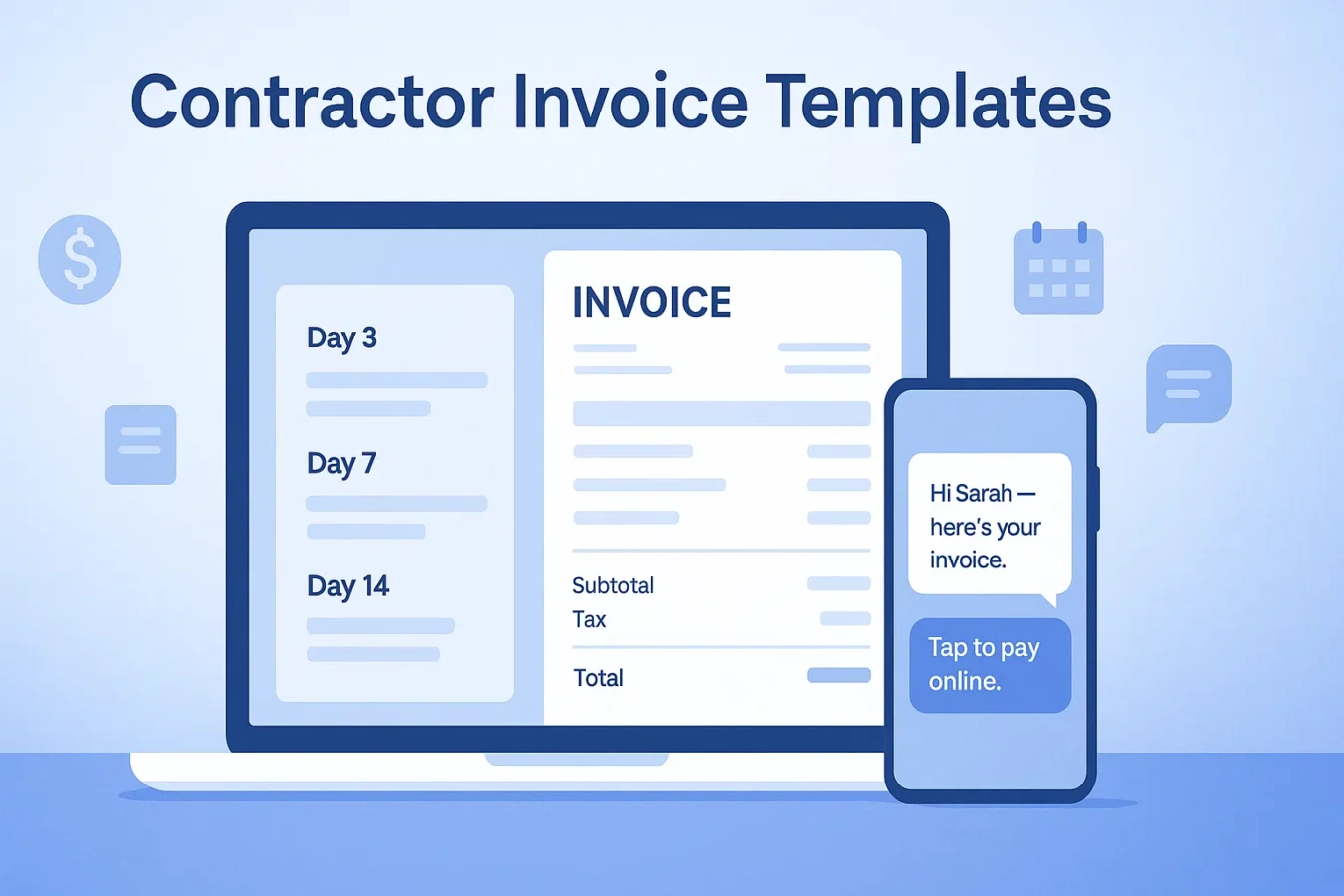
When you’re ready to stop sending these manually, turn on Smart Invoice Reminders for Day 3/7/14/30 follow-ups that plug directly into your BuildFolio jobs.
From contractor invoice templates to AI-driven invoices
Templates are a great starting point. But as you grow, invoices should build themselves from your quotes, change orders, and job photos. That’s what BuildFolio is for.
Step 1 — Capture and quote
- Leads come in via lead capture software with photos and addresses.
- You generate estimates with AI Photo-to-Quote or your own templates.
Step 2 — Invoice & remind automatically
- When the job wraps, 1-Click Final Invoice pulls line items straight from the approved quote.
- Smart Invoice Reminders follow up on Day 3/7/14/30 until it’s paid.
Contractor invoice templates FAQ
Are these contractor invoice templates really free?
Yes. You can copy/paste and adapt any of the templates on this page. BuildFolio’s Free tier also includes lead capture, financing buttons, and a basic job dashboard.
What file format should I use for invoices?
If you send only a few invoices per month, Word/Docs + PDF export are fine. If you invoice daily, Sheets/Excel or a platform like BuildFolio is easier to manage and report on.
Can I use these invoice templates with QuickBooks?
You can manually enter the totals into QuickBooks or, with BuildFolio Pro, sync customers, invoices, and payments automatically from Job Hub.
How do I handle deposits or progress invoices?
Create separate invoices for each stage (e.g., 30% deposit, 40% materials, 30% completion) or use line items that clearly show what has been paid vs what’s due.
Can I turn these into branded templates for my company?
Yes. Add your logo, brand colors, and standard terms, then save as your default template in Docs/Sheets or inside BuildFolio.
Related Templates & Resources
Stop rebuilding invoices from scratch.
Use these contractor invoice templates today, then let BuildFolio automate the rest with 1-Click Final Invoice and Smart Invoice Reminders.