
HVAC SMS Templates (Free) for Contractors
Copy/paste HVAC SMS templates for missed calls, estimates, tune-ups, emergency no-cool calls, and review requests. Use these scripts with your current phone system. Manual Missed-Call Follow-Up.
TL;DR — What You Get
15 ready-to-use HVAC SMS templates for missed calls, estimate follow-ups, maintenance reminders, emergency “no heat/no cool” scripts, and review requests. Use them with your current phone system. Confirm the current account and provider configuration before relying on automation.
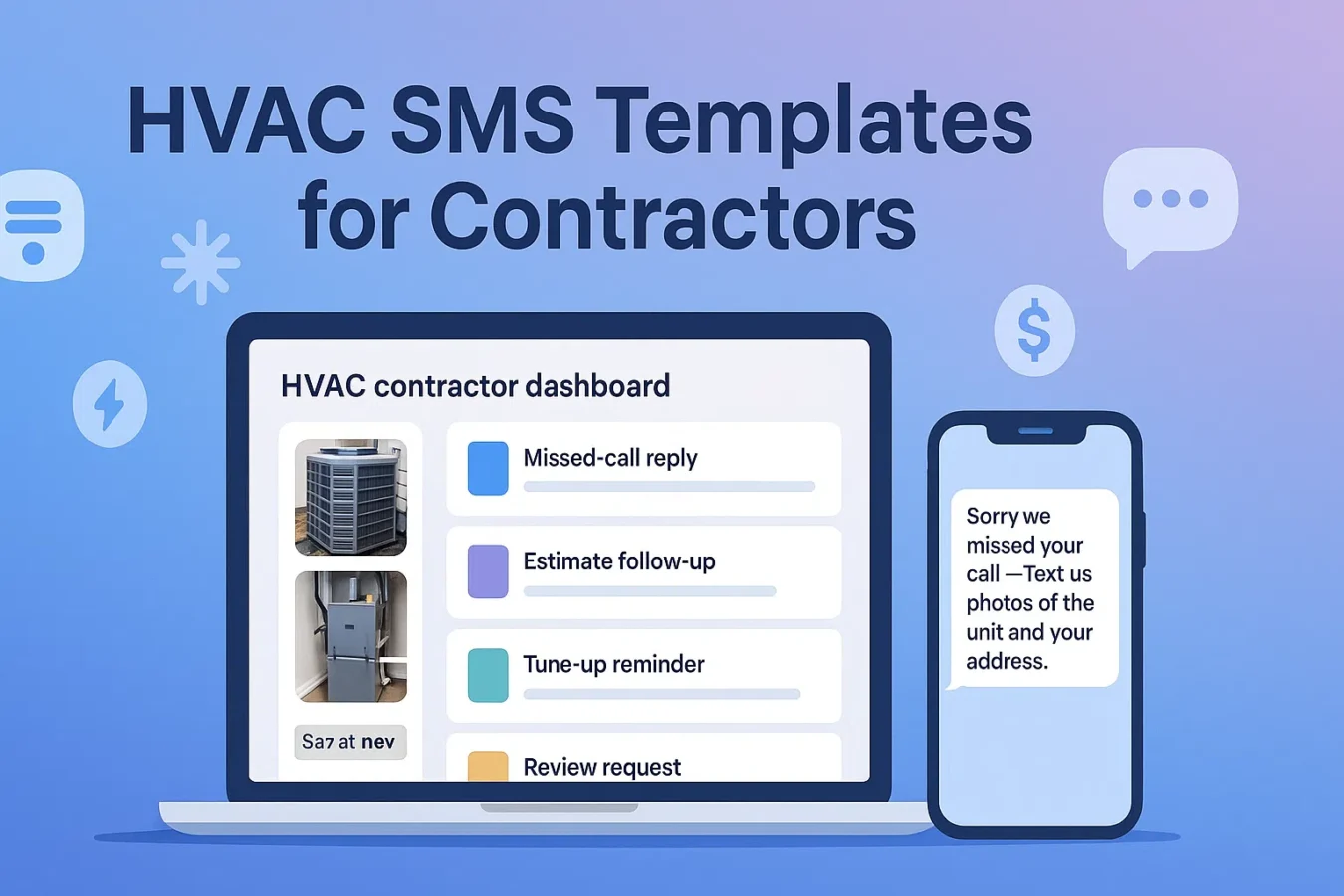
1. HVAC missed-call text-back templates
Use these when you miss inbound calls for “no heat”, “no cool”, or maintenance inquiries.
Before copying, treat these as editable examples. Confirm the actual customer request, equipment or property facts, service and appointment capacity, any plan details and applicable provider terms. Replace all placeholders and remove context labels. Record the intended recipient, chosen channel and timing, relevant permission and stop history, and who will review and send the message.
Hi {{first_name}} — {{company}} here. Sorry we missed your call!
Text a photo of your unit label + the issue, and your address.
We'll reply with options and available times today.
Thanks for calling {{company}} (heating & cooling).
Reply with photos of the unit/thermostat + your address
and we'll text you the fastest time we can get there.
You reached {{company}}.
Quickest path: text photos of your HVAC system, a short description
(no heat / no cool / noise), and your address.
You can also preview monthly payments here: {{financing_link}}
Pro tip: put the ask (photos + address) right after the apology. Record the reported issue, photos and address, then decide what still needs an inspection or clarification before preparing a quote.
2. HVAC estimate & quote follow-up SMS
Use after sending a repair or replacement quote from the truck or office.
Hi {{first_name}} — this is {{tech_name}} from {{company}}.
I just sent your HVAC estimate by email.
Text here with any questions or changes you want to see.
Hi {{first_name}}, it's {{company}}.
Did you get our estimate for your {{system_type}}?
You can also see monthly payment options here: {{financing_link}}
Just checking in on your HVAC estimate, {{first_name}}.
Want to see a "good / better / best" option set?
Reply YES and we'll send updated options with payments.
If the customer wants options, record the actual scope and price for each “good/better/best” choice. Include financing only when a provider offers applicable terms for the customer to review.
3. HVAC maintenance & tune-up reminder SMS
Use these HVAC SMS templates for pre-season tune-ups and membership renewals.
Hi {{first_name}} — {{company}} here.
It's time for your seasonal HVAC tune-up.
We have openings {{slot_1}} or {{slot_2}}.
Reply with the time that works best.
Reminder from {{company}}:
Let’s check the maintenance schedule and warranty terms for your equipment.
Want us to book your tune-up this week?
Reply with PREFERRED DAY (Mon–Sat).
Hi {{first_name}}, your maintenance plan with {{company}} is coming up for renewal.
It includes 2 tune-ups/year + priority service.
Keep it active for {{price}}/mo? Reply YES and we'll confirm.
Keep maintenance messages short and specific. Offer 1–2 suggested time windows only when they are confirmed available and appropriate for the recipient.
4. Emergency “no heat / no cool” SMS scripts
At busy times, such as a 5pm weather-related call surge, record who will review each message and which services or response windows your team can actually offer.
Hi {{first_name}} — {{company}} HVAC.
Sorry you're dealing with {{issue_type}}.
Text photos of your thermostat + unit label and your address.
We'll reply with the fastest arrival window we can offer.
We're currently on jobs but want to help with your {{issue_type}}.
Quick questions:
1) System working at all? (Y/N)
2) Gas or electric?
3) City?
Reply with answers + photos and we'll triage next steps.
If repair today isn't possible, we can usually get you
temporary heat/cooling and priority scheduling tomorrow.
Want that option? Reply TEMP and we'll send details.
Triage scripts keep expectations clear and help your techs arrive with the right parts.
5. HVAC review-request SMS templates
Send after install or repair, same-day if possible.
Thanks again for choosing {{company}}, {{first_name}}!
Would you share an honest review of your experience today?
{{review_link}}
We appreciate you, {{first_name}}.
Here's a 10-sec review link for your recent HVAC visit:
{{review_link}}
If anything wasn't perfect, reply here and we'll fix it.
Hi {{first_name}} — {{tech_name}} with {{company}}.
Would you mind sharing an honest review of your experience?
{{review_link}}
Identify the actual sender when appropriate, invite an honest experience without directing the review’s content, and record the request and response rather than assuming a response-rate result.
Invite an honest experience without selecting favorable reviewers or offering rewards. Google disallows incentives for any review, including a revision or removal. See Google’s review policy.
6. HVAC SMS preparation and permission questions
For a general overview of US rules, see the FCC’s guidance on robotexts and telemarketing: FCC consumer guide. This isn’t legal advice; when in doubt, talk to your counsel or compliance partner.
7. How to use these HVAC SMS templates with your current phone
- Choose an example. Choose a script that fits the actual request and current job stage.
- Replace the fields. Replace every placeholder and remove context labels; verify the actual job, service, price, schedule and any provider terms.
- Check the recipient and owner. Record the recipient’s request, preferences, relevant permission and stop history, chosen timing and the person responsible for sending.
- Send and record manually. Send the reviewed message yourself through your chosen tool, then record the actual response and next action.
Step 1 — Start on the Free tier
- Sign up (no card) → Start Free
- If available in your account and supported by your site, add the lead capture widget to your HVAC website
- If available for your account and actual provider, configure the financing widget with applicable offer information
- Review the actual “no cool” / “no heat” requests and photos submitted to your account, and record who will respond
Step 2 — Follow up on missed calls
- Reply from your current phone or CRM; send the chosen message yourself and record the reply
- Keep the templates above handy to send yourself for new leads
- Send review-request templates after completed jobs
- If available in your account, use AI Photo-to-Quote to prepare a draft, then check the actual equipment, scope and price before offering it
14-day Pro trial; credit card required. After the trial, $39 USD/month renews automatically unless canceled. Cancel before renewal to avoid the next charge.
FAQ: HVAC SMS templates
Can I use these HVAC SMS templates without BuildFolio?
Yes. Copy and customize these scripts, then send them yourself through your current phone or texting tool. Confirm the current account and provider configuration before relying on automation. Record requests and replies in your chosen system.
How many HVAC SMS templates do I really need?
Start with 1–2 missed-call examples, 2–3 estimate examples, one maintenance reminder and one neutral review invitation if they fit your actual work. Choose messages and timing from the recipient’s request, preferences and reply history.
Will using SMS templates feel robotic to customers?
Personalize the actual name, company, equipment and job details. Remove context labels and replace every placeholder before sending. Check that any appointment, membership or service described is actually available.
Is HVAC SMS marketing legal?
These scripts do not determine which permission or messaging requirements apply. Record the recipient, purpose, permission source and date, preferred channel, chosen local-time window and any stop request. Ask the responsible reviewer or qualified adviser which requirements apply before sending.
Keep a manual HVAC missed-call follow-up routine
Use these HVAC SMS templates today with your current texting tool, and track replies in your lead notes.
14-day Pro trial; credit card required. After the trial, $39 USD/month renews automatically unless canceled. Cancel before renewal to avoid the next charge.
Are you a homeowner? Try our free tools: