
Emergency Plumbing Leads — How to Get More Calls (Without Junk Leads)
This guide shows you how to turn emergency plumbing leads into booked, financed jobs without buying low-quality calls from random lead vendors. We’ll walk through intake, missed-call text-back, financing, and SMS follow-ups — using BuildFolio’s Free and Pro tiers.
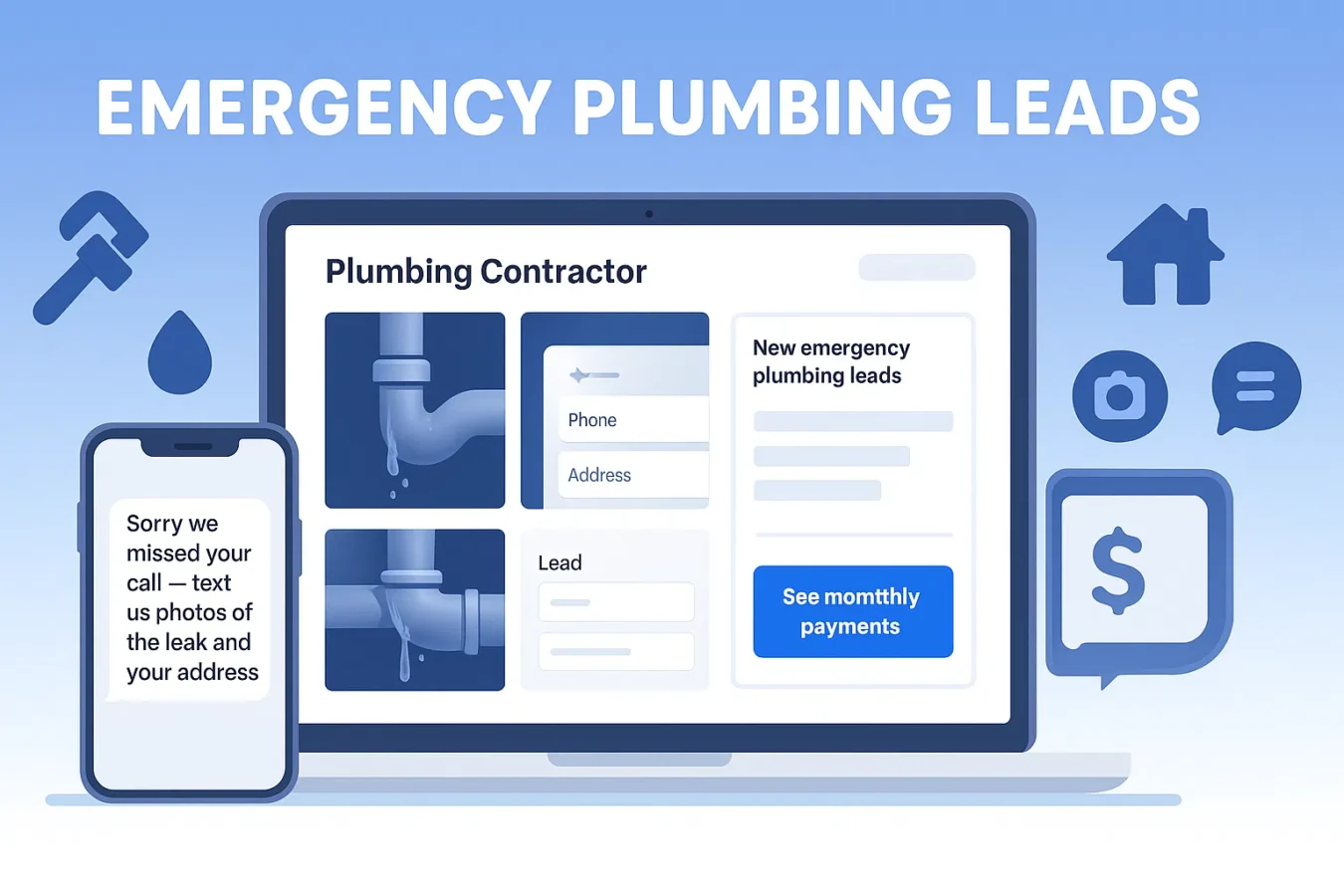
Why emergency plumbing leads are different from normal jobs
“Emergency plumbing leads” are not just regular leads that happened at night. They:
- Call when emotions are high. Burst pipes, no hot water, sewer backups — people are stressed and want reassurance fast.
- Shop less than regular leads. If you reply first and clearly, you often win the job even if you’re not the cheapest.
- Have bigger tickets. Emergencies often mean water heaters, main lines, or slab leaks — perfect for pairing with financing.
Instead of buying shared “emergency” calls from marketplaces, you can generate and convert your own emergency plumbing leads by fixing five pieces of your funnel: Capture → Missed calls → Financing → Follow-up → Tracking.
Step 1 — Fix your emergency plumbing lead capture
First job: make it painfully easy for a panicked homeowner to raise their hand. Your emergency pages should:
- Have a single clear CTA above the fold: “Tap to call” + “Or send photos for fast triage.”
- Let visitors upload photos of the leak, fixture, or water heater directly on your site.
- Capture name, mobile number, and address with as few extra fields as possible.
BuildFolio’s lead capture software and plumbing lead capture use case add that widget to your site on the Free tier — no card required.
Checklist: emergency plumbing page
On your “Emergency Plumbing” or “24/7 Service” page, make sure you:
- Have a click-to-call button + lead capture form above the fold.
- Ask homeowners to upload 2–3 photos of the issue.
- Use plain-language copy: “Tell us what’s going on” instead of long forms.
- Include a financing teaser: “See monthly payments on bigger repairs.”
Step 2 — Turn missed calls into texts (nights & weekends)
The fastest way to increase emergency plumbing leads is to stop losing the calls you already get. Most small shops can’t staff phones 24/7, but missed-call text-back can.
Missed-call text-back message
Hi {{first_name}} — {{company}} Plumbing here.
Sorry we missed your call.
Text us a couple photos of the leak or fixture + your address.
We’ll text back with next steps and timing.
You can grab more ideas in the missed-call text-back templates guide.
How BuildFolio helps
- Missed-call text-back replies instantly when you can’t.
- Messages, photos, and events log into one job thread.
- You can reply from your phone like a normal text while the system tracks it.
Step 3 — Offer financing on every big emergency plumbing job
Many emergency plumbing calls turn into $3K–$10K projects: water heaters, repipes, main line repairs. If you only quote one big lump sum, some customers will “wait and see” — and never call back.
Add a financing button to your site
BuildFolio’s contractor financing widget adds a simple “See monthly payments” button to your emergency pages and lead forms. Homeowners:
- Preview payment ranges without a hard credit pull.
- See options that make a $6K job feel like a $150–$200/month decision.
For a deeper dive, see Contractor financing options and How to add a financing button.
Talk track for techs & CSRs
“Most customers don't plan for a $4,800 repair.
We can show you monthly payment options — I'll text you a link
so you can see payments before you decide.”
When you pair emergency plumbing leads with easy financing, you win more full replacements instead of temporary band-aids.
Step 4 — Use SMS templates & sequences for follow-up
Not every emergency plumbing lead books on the first call. Maybe they need to talk to a spouse or check funds. A short, respectful SMS sequence can bring them back without you chasing manually.
Simple 4-touch emergency plumbing sequence
Day 0 (after call):
“Thanks for reaching out about your plumbing issue.
Here’s your estimate + payment options: {{estimate_link}}”

Day 1:
“Quick check-in — any questions about your estimate
or payments? Text us here anytime.”

Day 3:
“We still have openings for {{day/time windows}} if you
want to get this fixed before the weekend.”

Day 7:
“Still dealing with the issue? We can hold this estimate
through {{date}}. Reply here if you’d like to schedule.”
Where to get more templates
On BuildFolio Pro, SMS automation runs these sequences for you so your team can stay on the tools instead of in the inbox.
Step 5 — Track sources and double down on what works
Once your emergency plumbing funnel is in place, the last piece is tracking where leads come from so you know which efforts to scale.
If you want more ideas that don’t require buying lists, see Contractor lead generation without ads.
How BuildFolio fits with the plumbing software you already use
Front-end capture & follow-up
BuildFolio slots in as the front-end layer that captures, qualifies, and follows up with emergency plumbing leads:
- Lead capture widget with photo uploads + address.
- Missed-call text-back and SMS automation for follow-ups.
- AI Photo-to-Quote to turn photos into draft estimates.
Alongside your existing CRM
Many contractors run BuildFolio next to tools like Jobber or Housecall Pro. You can:
- Capture and qualify leads in BuildFolio.
- Push booked jobs into your existing scheduling system.
- Or use Free Contractor CRM + Job Hub if you want to keep it all in one place.
For a full comparison, see the contractor software comparison.
Emergency plumbing leads FAQ
Do I need separate ads or pages for emergency plumbing leads?
A dedicated “Emergency Plumbing” or “24/7 Service” page is a smart move. You can still route it to the same crew, but the copy, photos, and offers should speak directly to flooded basements, burst pipes, and no-hot-water situations. Then use your analytics to see how many calls and jobs it generates.
Will missed-call text-back replace a live answering service?
Not completely — but it’s a huge upgrade over voicemail. For many shops, a mix works best: live answer during business hours, missed-call text-back as the safety net nights and weekends. Either way, every lead lands in one inbox inside BuildFolio.
What if I already buy emergency plumbing leads from marketplaces?
You can keep those running while you build your own funnel. Point marketplace leads into BuildFolio so you can track close rates and lifetime value side-by-side with leads from your own site, Google Business Profile, and local SEO efforts.
Is BuildFolio only for emergency work?
No. Emergency plumbing leads are just where the value shows up fastest. You can use the same widgets, SMS automation, financing, and quoting tools across water heaters, repipes, remodel work, and maintenance plans.
Turn more emergency calls into booked jobs.
Capture photos, auto-reply to missed calls, offer financing, and follow up automatically — all in one place.