
Free vs Paid Contractor Software (2026): What You Actually Need
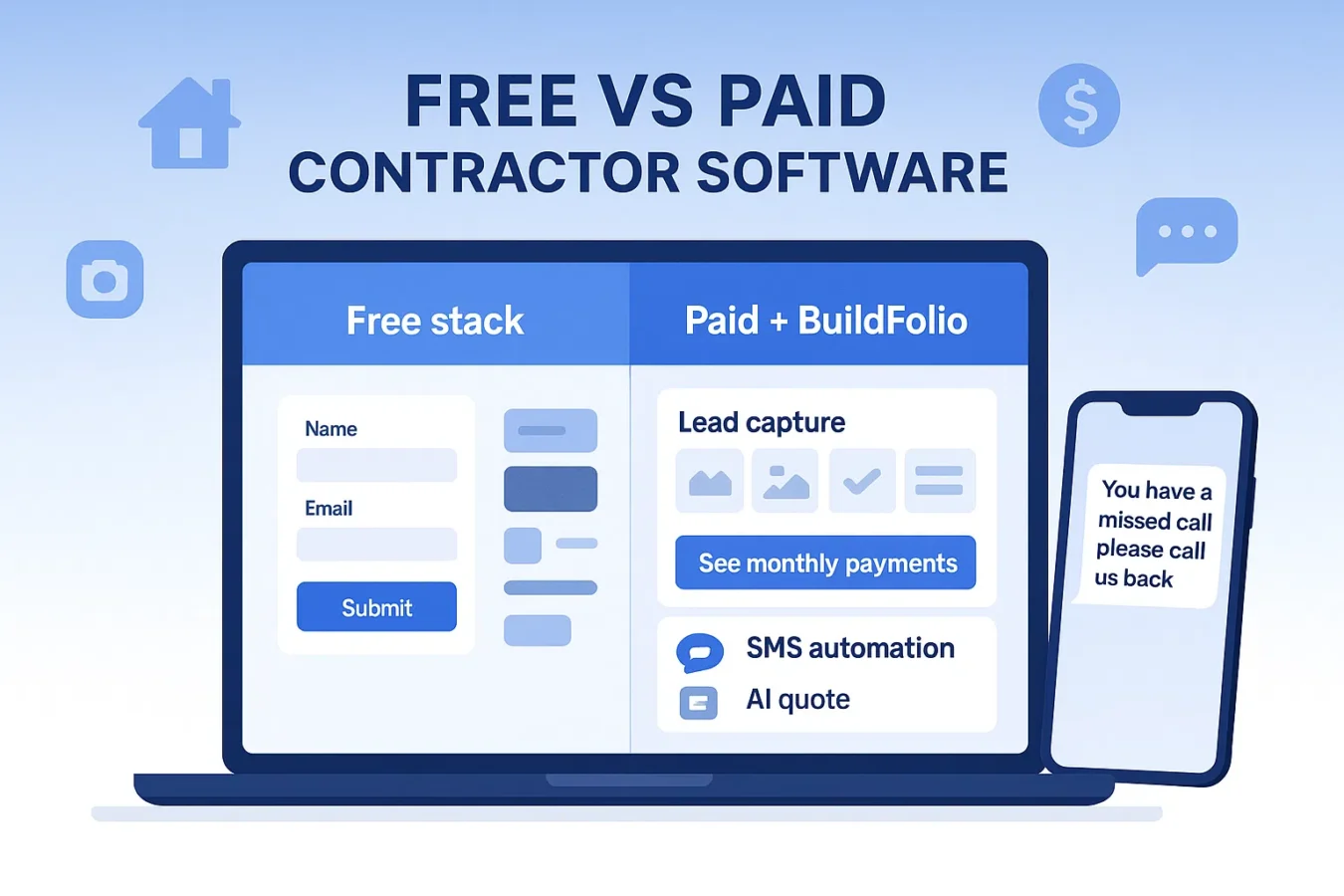
If you’re comparing free vs paid contractor software and feeling stuck between spreadsheets, big all-in-one platforms, and lead marketplaces, this guide is for you. We’ll map out where free tools are enough, when a paid system makes sense, and how BuildFolio fits into your stack as the front-of-site revenue OS for lead capture, financing, SMS automation, and AI quoting.
What counts as “contractor software” in 2026?
Most contractors are really choosing between three buckets:
1. Ops platforms
Jobber, Housecall Pro, ServiceTitan: scheduling, dispatch, invoices, crew routes.
2. Lead marketplaces
Angi Leads, Thumbtack, etc. The marketplace owns the customer relationship, and you typically pay for leads that may be shared with other contractors.
3. Revenue tools (BuildFolio)
Lives on your website: lead capture widget, photo intake, financing, SMS automation, AI Photo-to-Quote.
You can keep your ops platform and still use BuildFolio for the first mile: capturing leads, framing payments, and automating replies before anything ever hits your calendar.
Free vs Paid Contractor Software: side-by-side comparison
This table compares a typical contractor stack using free tools vs a paid stack that layers BuildFolio Pro on top of your existing systems.
| Area | Free contractor software stack | Paid stack + BuildFolio Pro |
|---|---|---|
| Lead capture on your website | Basic — contact form, email link | Advanced — lead capture software with photo upload |
| Financing / “See monthly payments” | Usually missing or manual links | Built in — financing widget with click/lead tracking |
| Speed-to-lead | Manual callbacks & voicemails | Automated — missed-call text-back + copy-paste SMS follow-up templates |
| Quoting | Handwritten, email, or ops platform estimates | AI-assisted — AI Photo-to-Quote from homeowner photos |
| Reviews & follow-up | Ad-hoc review requests | Review request templates + copy-paste 14-day follow-up templates |
| Invoice reminders | Manual texts/emails or ops platform reminders | Smart invoice reminder workflows (BuildFolio feature) |
| Data ownership | Split between email, phone, marketplace inboxes | Centralized dashboard on your domain; works alongside Jobber / Housecall Pro |
| Cost | $0 tools + time cost | $39/mo + tax for BuildFolio Pro (keep your existing ops tools) |
Your contractor software stack: where BuildFolio fits
Keep your ops platform
Tools like Jobber or Housecall Pro are strong at dispatch, job workflows, and invoicing. They’re built for after a job is created.
- Scheduling & calendar views
- Crew routes & time tracking
- Work orders & invoices
Add BuildFolio on the front
BuildFolio focuses on the first mile: capturing the lead, framing payments, and automating follow-ups.
- Lead capture widget with photo uploads
- Financing button: “See monthly payments”
- Missed-call text-back + SMS follow-up templates
- AI Photo-to-Quote & invoice reminders
Think of BuildFolio as the revenue layer that sits in front of your CRM or field-service platform—not a replacement.
When a free contractor software stack is enough
- Solo or small crews (1–3 techs) with light volume
- You can return calls quickly yourself
- You’re comfortable with basic forms + email notifications
- Most work comes from referrals or long-time repeat customers
In this phase, start with BuildFolio Free for better lead capture and financing, then layer automation when volume grows.
When to invest in paid tools + automation
- 4+ techs or multiple crews in the field
- Missed calls every day during busy season
- You’re juggling voicemails, texts, and marketplace leads
- You want more reviews and tighter follow-up without extra admin
Here, BuildFolio Pro earns its keep by recovering missed calls with automatic text-back, giving you copy-paste 14-day follow-up templates, and sending AI-assisted quotes.
How to choose: a 5-minute framework
- Count daily missed calls. If you regularly miss ≥3 per day, automation will recover opportunities you’re losing now.
- Estimate response time. If callbacks happen more than an hour later, your close rate is probably slipping.
- Measure admin time. Add up time spent copying photos, re-typing messages, chasing invoices, and asking for reviews.
- Check your average ticket. If financing on larger jobs could add even one extra close per month, that alone can cover software.
- Plan for busy season. Choose a stack that will still feel calm when volume doubles, not just on a slow Tuesday.
If your answers point toward “we’re already stretched,” you’re past the point where a purely free contractor software stack makes sense.
How to set up BuildFolio (Free → Professional)
Step 1 — Start on Free
- Sign up (no credit card) → Start Free
- Paste the lead capture widget on your key pages
- Enable the financing widget for “See monthly payments”
- Route leads into your dashboard with photos + events
Step 2 — Upgrade when you need automation
- Turn on missed-call text-back for instant replies
- Use the copy-paste 14-day SMS follow-up templates
- Send review requests with ready-made templates
- Use AI Photo-to-Quote to draft estimates from photos
Expected impact when you add BuildFolio
These ranges are directional based on contractor anecdotes; results vary by trade, traffic levels, and response times.