
Free Contractor CRM vs Paid (2026): What You Actually Need
If you’re a contractor wondering whether a free contractor CRM will cut it—or if it’s time to pay—this guide lays out the real trade-offs. Use Free to capture and organize leads (photo intake + financing). Upgrade when you need automation that follows up while you’re on a ladder.
What is a contractor CRM?
A CRM (customer relationship management) keeps all your leads, jobs, and communication in one place. For contractors, the must-haves are: capturing leads with photos, tracking financing interest, and keeping follow-ups moving via SMS and invoice reminders. Fancy boards and admin tools are nice—but revenue comes from fast response, clear next steps, and fewer jobs slipping through the cracks.
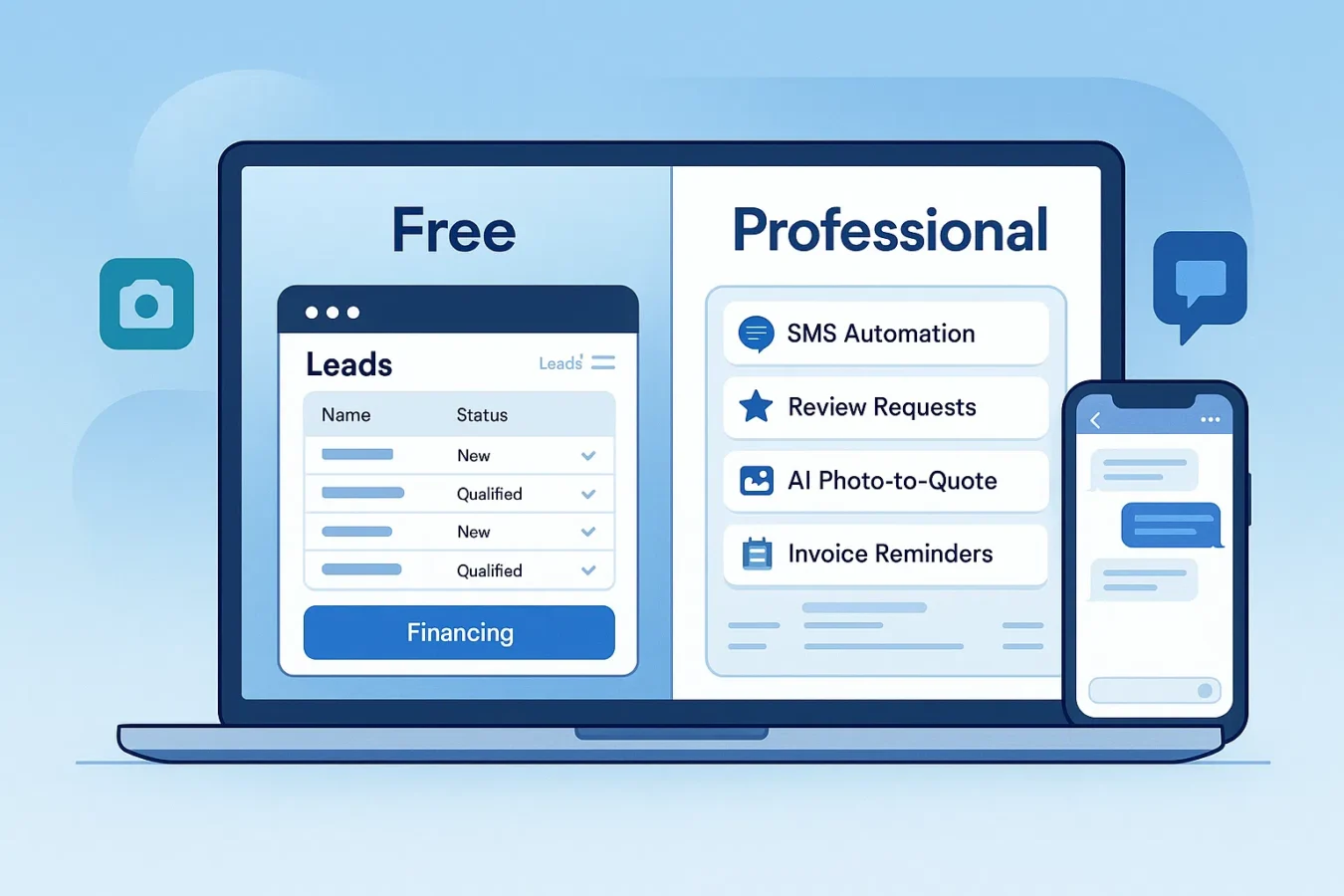
Free vs Paid: side-by-side comparison
| Feature | Free Contractor CRM (BuildFolio Free) | Paid Contractor CRM (BuildFolio Pro) |
|---|---|---|
| Lead capture form with photo upload | Yes — 50 photos/month | Yes — Unlimited |
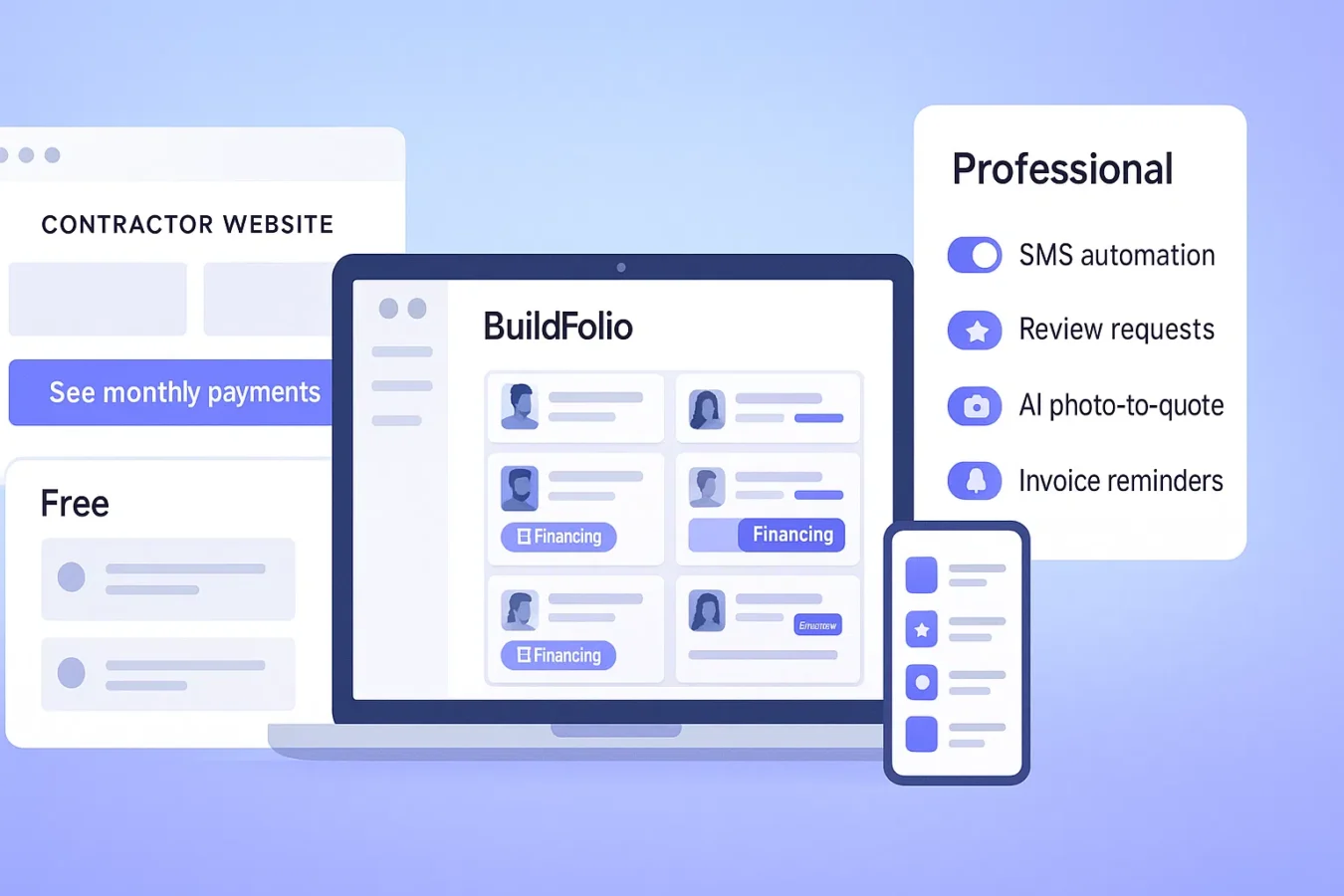
| Financing widget (monthly payment preview) | Yes — included | Yes — included |
| Real-time dashboard & event tracking | Yes | Yes |
| Missed-call auto-reply (SMS) | No | Yes — saves ~60+ min/day |
| 14-day follow-up templates (copy-paste, you send) | No | Yes |
| Review request templates | No | Yes |
| AI Photo-to-Quote | No | Yes — turns photos into draft line items |
| Invoice reminders | No | Yes — Day 3/7/14/30 escalation |
| Price | $0 — forever | $39/mo + tax |
When a free contractor CRM is enough
- Solo or 2–3 person crews just getting organized
- Website traffic is modest (a few leads/day)
- You can return calls/texts yourself within an hour
- You want to test financing interest before paying for software
Start with photo intake + financing widget to boost qualified conversations without adding cost.
When to go Paid (Professional)
- Missed calls are common during jobs
- You need follow-ups to run without you watching
- Busy season: too many voicemails, not enough time
- You want missed-call text-back, follow-up templates, AI quoting, and invoice reminders
Automation pays for itself fast when volume rises or response times slip.
How to choose: a 5-minute framework
- Count missed calls per day. If ≥3, you likely need SMS automation.
- Check response time. If you reply after 1 hour, automation will recover lost leads.
- Estimate time spent on follow-ups & collections. If ≥60 min/day, Pro saves you hours.
- Look at average ticket. Financing and AI quotes can increase close rate and job size.
- Plan for peaks. Busy months strain manual workflows—upgrade before then.
Tip: Keep it simple. Start on Free, prove value, then upgrade when you feel the pain.
How to set up BuildFolio (Free → Pro)
Free (forever)
- Sign up (no credit card) → Start Free
- Paste the lead capture widget (WordPress, Wix, Squarespace, Webflow)
- Enable the financing widget to show monthly payments
- Watch leads enter your dashboard with photos + events
Upgrade to Pro
- Turn on missed-call text-back (instant reply)
- Use copy-paste 14-day SMS follow-up templates for form-fills
- Send review requests with ready-made templates
- Turn on invoice reminders for Day 3/7/14/30 follow-ups
- Use AI Photo-to-Quote to turn job photos into draft estimates
Templates: missed-call text & follow-ups
Copy/paste these into Professional or your current phone system to stop lead leakage immediately.
Missed-call auto-reply (instant)
Hi {{first_name}} — {{company}} here. Sorry we missed you!
Text back a photo of the issue and your address and we’ll confirm next steps.
You can also see monthly payments here: {{financing_link}}
14-day follow-up template (overview) — you send these yourself
Day 0: Thanks for reaching out — reply with photos any time.
Day 1: Quick check — still need help? We can estimate from photos.
Day 3: Here’s a financing link to preview monthly payments: {{financing_link}}
Day 7: Schedule options this week: Tue 2–4p, Thu 9–11a. What works?
Day 14: Still interested? We’ll close this out, but text back to reopen.
For tone guidelines, see the SBA’s small-business communication resources.
Expected impact
Benchmarks are directional based on customer anecdotes; results vary by trade, traffic, and response times.
FAQ: Free contractor CRM vs paid
Is a free contractor CRM really enough?
Yes for early stage or low volume. You’ll capture leads with photos, show financing, and track them in a dashboard. Upgrade when missed calls, slow follow-ups, or late invoices start costing you jobs.
What makes paid worth it?
Time savings and win-rate: automatic missed-call replies, copy-paste 14-day follow-up templates, review request templates, AI quotes, and invoice reminders—so fewer opportunities go cold.
Can I switch between Free and Paid?
Yes—BuildFolio lets you downgrade anytime and keep your data.
Will a free CRM integrate with my website?
Yes—BuildFolio’s widget works on WordPress, Wix, Squarespace, Webflow, and custom HTML.