
HVAC Lead Capture Software for Contractors
HVAC lead capture software that turns “no heat / no cool” calls into booked estimates. Let homeowners upload system photos, preview monthly payments, and get a text back when you’re on a job. Start free with lead capture + financing; upgrade for SMS automation and invoice reminders.
Why HVAC lead capture software matters
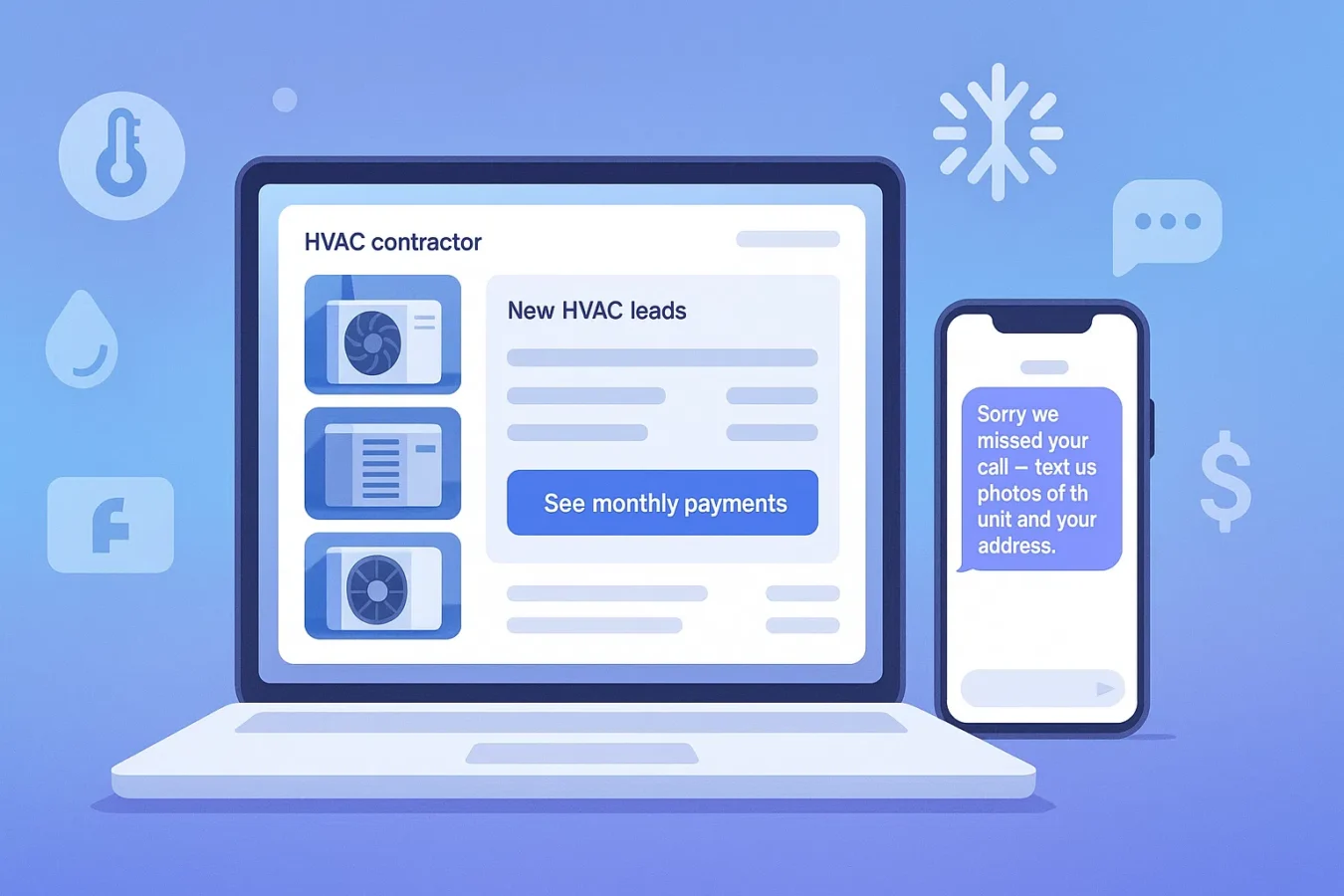
HVAC demand spikes when the weather turns. If your only “system” is voicemail + an inbox, you lose leads when you’re crawling in an attic or stuck on a rooftop. HVAC lead capture software gives homeowners a clear way to raise their hand: upload photos, share their address, and preview payments—without waiting on hold.
- Capture “no cool” and “no heat” requests even when you miss the call
- Let customers upload system tag photos, thermostat errors, and unit pictures
- Reduce sticker shock with a “See monthly payments” financing button on every quote
How HVAC lead capture works in BuildFolio
BuildFolio combines a lead capture widget, financing button, and SMS automation into one workflow:
- Add the lead capture widget to service, pricing, and “request estimate” pages
- Let homeowners upload photos of the condenser, air handler, filter, and any visible issues
- Turn on the HVAC financing widget for “As low as $/mo” framing
- Route every submission to your BuildFolio dashboard with photos, timestamps, and contact info
Pro adds missed-call text-back, 14-day SMS sequences, and invoice reminders for ongoing service plans.
What it looks like to the homeowner
- They hit your site and see “Get a quote” or “No cool? Start here” above the fold.
- A small widget lets them enter contact info, address, and upload a few photos.
- They tap “See monthly payments” to preview financing offers.
- They get a confirmation + next steps by text; you see the lead in your dashboard.
Fast, mobile-friendly, and built for real HVAC emergencies—not just generic web forms.
HVAC lead capture software workflows (real examples)
No-cool emergency
Customer searches “AC repair near me”, hits your service page, and fills out the widget with photos and address. Pro sends a missed-call text-back if they also called and you were on a job.
System replacement
You send a link with your financing widget. Homeowner previews monthly payments and replies with budget and timing, so your tech shows up with options.
Maintenance & tune-ups
After a tune-up, use SMS follow-ups and review requests to bring happy customers back when it’s time to replace.
Free vs Pro for HVAC teams
| Feature | BuildFolio Free | BuildFolio Pro |
|---|---|---|
| HVAC lead capture form with photo upload | Yes — 50 photos/month | Yes — unlimited photos |
| HVAC financing widget (“See monthly payments”) | Yes — included | Yes — included |
| Real-time dashboard & event tracking | Yes | Yes — plus automation logs |
| Missed-call text-back (SMS) | No | Yes — “No cool?” script included |
| 14-day SMS follow-up sequences | No | Yes — tune-ups & install follow-ups |
| Invoice reminders for maintenance plans | No | Yes — 3/7/14/30 cadence |
| Price | $0 — free forever | $39/mo + tax |
HVAC lead capture setup checklist (about 5 minutes)
- Sign up on the Free plan (no credit card).
- Paste the lead capture widget to your AC, heating, and emergency pages.
- Turn on the HVAC financing widget so every lead sees “See monthly payments”.
- Set where notifications go (SMS/email) so field and office see new HVAC leads instantly.
- When ready, upgrade to Pro and enable missed-call text-back and follow-ups.
Benchmarks are directional and vary by market, weather, and response time.
HVAC lead capture FAQ
Is this only for full system replacements?
No. Use the same HVAC lead capture software for no-cool calls, repairs, maintenance, IAQ add-ons, and full change-outs.
Can I use HVAC lead capture software on a basic website?
Yes. The widget works on WordPress, Wix, Squarespace, Webflow, and custom HTML with a simple copy–paste snippet.
Do I have to use financing?
No—but most HVAC contractors see better close rates and bigger jobs when “As low as $/mo” is visible next to the estimate.
What if my office already answers most calls?
Great—use Free as your HVAC lead capture software and upgrade to Pro when call volume and seasonality make automation worth it.
Turn “no cool” calls into organized HVAC leads.
Start free with HVAC lead capture software—photo uploads, financing button, and a real-time dashboard. Upgrade to automation when missed calls start piling up.