
Plumbing Invoice Template (Free) — Service, Emergency & Replacement
Use this plumbing invoice template to send clear, professional invoices for leaks, clogs, emergency calls, and full replacements. Copy/paste the line items, plug in your numbers, and send by email or text. When you’re ready, BuildFolio can turn approved plumbing quotes into final invoices in one click and follow up automatically.
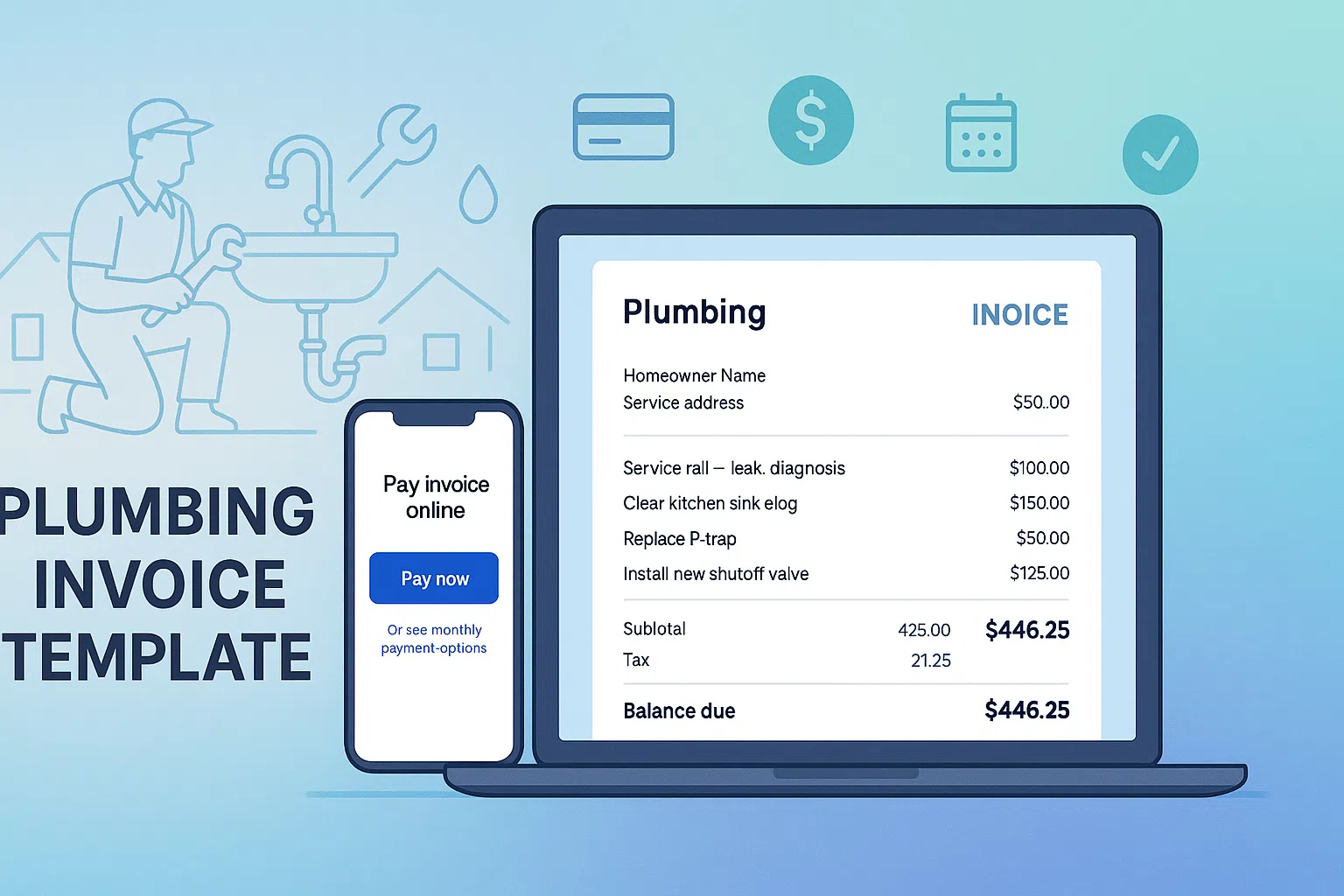
What’s included in this plumbing invoice template
This page gives you copy-and-paste plumbing invoice layouts you can drop into Word, Google Docs, Excel, or your existing invoicing system. You’ll find:
- Simple plumbing service call invoice (diagnostic + repair)
- Emergency plumbing invoice for nights, weekends & holidays
- Water heater / replacement invoice with equipment, labor & haul-away
- Suggested terms, notes, and warranty language for plumbing jobs
- How to turn plumbing quotes into invoices automatically with BuildFolio
Plumbing service call invoice example (diagnostic & repair)
Use this layout for standard plumbing service calls: no major new equipment, just diagnostics, parts, labor, and maybe a small add-on like a shutoff valve or supply line. Swap descriptions and rates to match your price book.
Copy/paste plumbing service call invoice layout
You can roll the diagnostic fee into the repair when you sell the job, or keep it separate for no-finds. The key is listing labor + materials clearly so customers understand what they’re paying for.
Emergency plumbing invoice example (after-hours leak)
For nights, weekends, and holidays, your invoice should call out the emergency service fee and any temporary vs. permanent repairs. Here’s a common layout for an after-hours leak call.
Copy/paste emergency plumbing invoice layout
You can add a second visit later for permanent drywall repair or additional work. Just reference this invoice number in the new job notes so your office can tie everything together.
Water heater / replacement invoice example
For replacements (water heaters, toilets, main line repairs), your invoice should list equipment, accessories, labor, and haul-away clearly. Here’s a layout for a standard tank water heater replacement.
Copy/paste water heater replacement invoice layout
If you upsell tankless water heaters or softeners, add separate line items so customers can see the value of each component. For multi-option estimates, your invoice should match the specific option the customer approved.
Adding financing & monthly payments to plumbing invoices
On bigger plumbing jobs (slab leaks, repipes, water service replacements), customers often care more about the monthly payment than the total invoice amount. You can keep your invoice simple and still show an example monthly payment that points them toward financing.
One easy pattern is to add a short “Pay over time” note under the balance due:
Sample “Pay over time” invoice language
Want a plug-and-play financing button? You can use BuildFolio’s free contractor financing widget or plumbing-specific pages like plumbing financing options and home improvement loans near me to give homeowners a clear path.
Plumbing invoice best practices (so you get paid faster)
1. Match your estimate & invoice
If you gave a written estimate or flat-rate ticket, your invoice should clearly match the accepted scope + change orders. That makes it easy for customers to say “yes” and for your bookkeeping to stay clean.
2. Show parts & labor clearly
For plumbing, customers often ask “why is it so expensive?” Separate parts vs. labor or group related items (diagnostic, repair, add-ons) so the value is obvious.
3. Include simple payment terms
Even a short line like “Due on receipt” or “Net 7” sets expectations. For bigger jobs, spell out deposits, progress payments, and when the final balance is due.
4. Make online payment the default
Add a prominent online payment link or QR code on every invoice so customers don’t have to call the office. The fewer steps between “work completed” and “paid,” the better.
5. Send invoices the same day
For service calls and emergencies, try to send the invoice before you leave the driveway — either on a tablet or from your phone. Fresh work gets paid faster than jobs customers barely remember.
6. Automate gentle reminders
A simple cadence like Day 3 / Day 7 / Day 14 reminder emails can cut your average days-to-pay dramatically. You don’t have to be pushy — just consistent.
How to automate plumbing invoices with BuildFolio
You can absolutely keep using this plumbing invoice template in Word or Excel. But if you’re tired of re-typing the same info, BuildFolio can turn approved quotes into invoices in one click and keep everything in sync with your CRM and accounting.
- Generate plumbing quotes from photos using AI Photo-to-Quote, then convert won jobs into invoices
- Use Job Hub to track contract value, change orders, and payments in one place
- Send invoices by email with a one-click payment link, and let Smart Invoice Reminders follow up
- Sync invoice and payment data to QuickBooks Online (Phase 1 manual sync available)
You can start on the Free plan to test lead capture and basic invoicing, then upgrade to Pro for AI quoting, Smart Invoice Reminders, and QuickBooks sync. See details on the BuildFolio pricing page.
Plumbing invoice template FAQ
Can I use this plumbing invoice template in my existing software?
Yes. Most field service tools and accounting systems let you create custom invoice layouts. You can copy the line-item structure, notes, and terms from this page into your current system.
What’s the difference between a plumbing estimate and an invoice?
An estimate is a estimate for work you haven’t done yet. An invoice is a request for payment for work that’s been completed (or a specific stage of a project). For bigger jobs, many contractors send an estimate first, then convert it into an invoice after the repair or installation.
Do I need to charge tax on plumbing invoices?
It depends on your state and local rules. In some areas, parts are taxable but labor is not; in others, the whole project is considered taxable. Check with your accountant or local tax authority and apply tax the same way on every invoice.
How detailed should my plumbing invoices be?
At minimum, list parts, key materials, and a short work description. You don’t have to show every fitting, but the invoice should be clear enough that you and the homeowner can understand it a year from now.
How can BuildFolio help with plumbing invoicing?
BuildFolio helps you tie your invoices back to the original quotes and jobs. You can generate quotes from photos, collect e-signatures, track change orders, and then create a Final Invoice that reflects the full contract. From there, Smart Invoice Reminders and QuickBooks Online integration help you get paid and keep your books straight.
Turn plumbing invoices into a simple, automated workflow.
Start with this free plumbing invoice template, then let BuildFolio handle the heavy lifting: quotes from photos, e-signatures, 1-click final invoices, reminders, and payments — all in one place built for contractors.