
Invoice Reminder Templates for Contractors (Email & SMS)
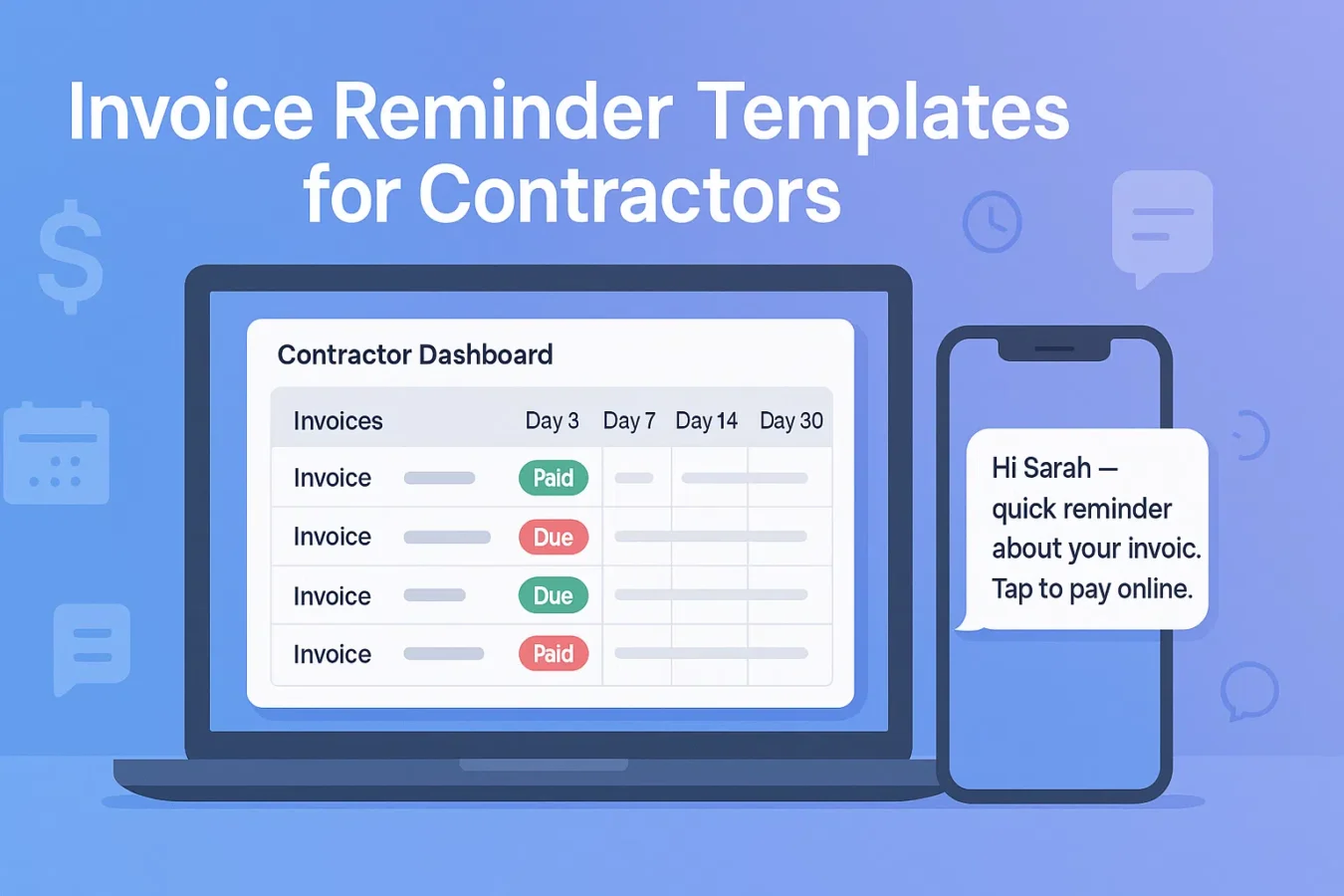
Use these invoice reminder templates for contractors to follow up on Day 3/7/14/30 without sounding pushy. Copy/paste the email and SMS examples for HVAC, roofing, plumbing, landscaping, and electrical jobs — then plug them into Smart Invoice Reminders inside BuildFolio to automate the cadence.
Why invoice reminder templates for contractors are different
Generic “net 30” invoice reminder templates were written for agencies and SaaS — not for leaking roofs, no-heat calls, or backyard projects. In trades, you already did the work; the reminder has to be firm and friendly.
- Keep the homeowner’s project front and center (roof, system, leak, yard, panel, etc.).
- Make it one-tap easy to pay with a secure link or payment button.
- Offer a way to reply if there’s a dispute, warranty question, or insurance delay.
The templates below are built around that reality. Swap in your trade, job type, and payment link; then, when you’re ready, let BuildFolio’s Smart Invoice Reminders send them automatically on Day 3/7/14/30.
Invoice reminder email templates (Day 3/7/14/30)
Use merge tags like {{first_name}}, {{job_type}}, {{invoice_number}}, and {{pay_link}}.
Day 3 — Friendly reminder
Subject: Quick reminder about your {{job_type}} invoice

Hi {{first_name}},

Thanks again for having us out for your {{job_type}} at {{job_address}}.

This is a quick reminder that invoice {{invoice_number}} is ready. You can review the details and pay securely here:
{{pay_link}}

If you have any questions about the work or invoice, just reply to this email.

Thanks,
{{company_name}}
Day 7 — Second nudge
Subject: Following up on invoice {{invoice_number}}

Hi {{first_name}},

Just checking in on invoice {{invoice_number}} for your {{job_type}}.

When you have a minute, you can view the invoice and pay online here:
{{pay_link}}

If something doesn’t look right or you’re waiting on insurance, reply here so we can help.

Thank you,
{{company_name}}
Day 14 — Past due notice
Subject: Past due: invoice {{invoice_number}}

Hi {{first_name}},

Invoice {{invoice_number}} for your {{job_type}} at {{job_address}} is now past due.

Please take a moment today to review and pay securely here:
{{pay_link}}

If there’s a concern with the work, insurance, or timing, reply to this email so we can resolve it and keep your account in good standing.

Best,
{{company_name}}
Day 30 — Final reminder
Subject: Final reminder for invoice {{invoice_number}}

Hi {{first_name}},

This is a final reminder for invoice {{invoice_number}} for your {{job_type}}.

You can still pay online here:
{{pay_link}}

If we don’t hear back, we’ll need to pause any future service and may refer the balance for collections per our agreement.
If you’re having an issue paying, reply so we can talk through options.

{{company_name}}
You can soften or tighten the tone based on your market. For commercial work, add PO numbers and AP contact info; for residential, keep it short and plain-language.
SMS invoice reminder templates for contractors
Keep SMS short. Lead with the reminder, include the amount if helpful, and always add a secure pay link.
Day 3 — Friendly SMS
Hi {{first_name}} — {{company_name}} here.
Quick reminder about your {{job_type}} invoice.
You can view & pay securely here: {{pay_link}}
Day 7 — Slightly firmer
Hi {{first_name}}, checking in on invoice {{invoice_number}} for your {{job_type}}.
Please take a moment to pay here: {{pay_link}}
Reply if you have any questions.
Day 14 — Past due SMS
Hi {{first_name}} — your {{company_name}} invoice {{invoice_number}} is now past due.
Pay online here today: {{pay_link}}
Text back if there’s an issue with the work or insurance.
Day 30 — Final SMS
Final reminder from {{company_name}} about invoice {{invoice_number}}.
Please pay here: {{pay_link}}
If we don’t hear back, we may need to pause future service. Reply if you need to talk.
Make sure your invoices and intake forms collect proper SMS consent and clearly identify who you are. For deeper TCPA guidance, see our missed-call text-back templates.
Invoice reminder templates by trade
HVAC
Subject: Reminder for your HVAC invoice {{invoice_number}}

Hi {{first_name}},

This is a quick reminder about your HVAC {{job_type}} at {{job_address}} ({{system_type}}).

You can review the invoice and pay securely here:
{{pay_link}}

If you’re waiting on a home warranty or insurer, reply and we’ll note it on the account.

{{company_name}}
Roofing
Subject: Roofing invoice {{invoice_number}} — quick reminder

Hi {{first_name}},

Your roofing invoice for the work at {{job_address}} is ready.

Pay online here:
{{pay_link}}

If you’re waiting on an adjuster or claim payment, hit reply so we can coordinate.

{{company_name}}
Plumbing
Thanks again for choosing {{company_name}} for your plumbing repair at {{job_address}}.

This is a quick reminder about invoice {{invoice_number}}.
You can pay securely here: {{pay_link}}

If there’s any issue with the repair, reply so we can make it right.
Electrical / Landscaping
Hi {{first_name}} — reminder that invoice {{invoice_number}} for your {{job_type}} is open.

Pay online here:
{{pay_link}}

If anything on the invoice doesn’t look right, just reply to this message.

{{company_name}}
Day 3/7/14/30 invoice reminder cadence (and when to bend it)
For insurance-heavy work (roofing, storm damage) you may stretch the cadence or add a tag like “waiting on claim.” In BuildFolio, you can pause Smart Invoice Reminders per job when needed.
How to use these invoice reminder templates in BuildFolio
Free plan — manual but fast
- Track quotes, jobs, and invoices in Job Hub.
- Paste these invoice reminder templates into your email client or phone system.
- Log follow-ups manually so you know who’s overdue.
Pro — fully automated
- Turn on Smart Invoice Reminders with Day 3/7/14/30 sequences.
- Customize the email + SMS copy with your trade, tone, and links.
- Let BuildFolio stop reminders automatically as soon as the invoice is marked “Paid”.
FAQ: Invoice reminder templates for contractors
How many invoice reminders is too many?
For residential work, a 3–4 step sequence (Day 3/7/14/30) is usually enough. If there’s no response after your final invoice reminder template, switch to a phone call or formal collections process.
Should I send invoice reminders by email or SMS?
Email can carry the full invoice; send a personal text reminder only when appropriate and with the required consent. BuildFolio automatic missed-call text-back is currently unavailable and does not manage these reminders.
Will using invoice reminder templates hurt my reviews?
Clear, polite invoice reminders actually reduce misunderstandings. If you pair them with review-request templates, you can close the loop: fix issues quickly and invite happy customers to leave 5⭐ feedback.
Can I use these invoice reminder templates without BuildFolio?
Yes. You can paste them into any CRM, email tool, or phone system. BuildFolio simply gives you a faster, more organized way to automate the schedule and keep all communication tied to each job.
Stop chasing invoices one by one.
Use these invoice reminder templates for contractors today. Turn them into automated Day 3/7/14/30 sequences with BuildFolio Pro.