
AI Collections Software for Contractors
AI collections software for contractors helps you get paid faster by automating invoice reminders, past-due follow-ups, and AR reporting—without hiring a dedicated collections team. BuildFolio keeps your revenue workflow connected from quote to final payment.
What is AI collections software for contractors?
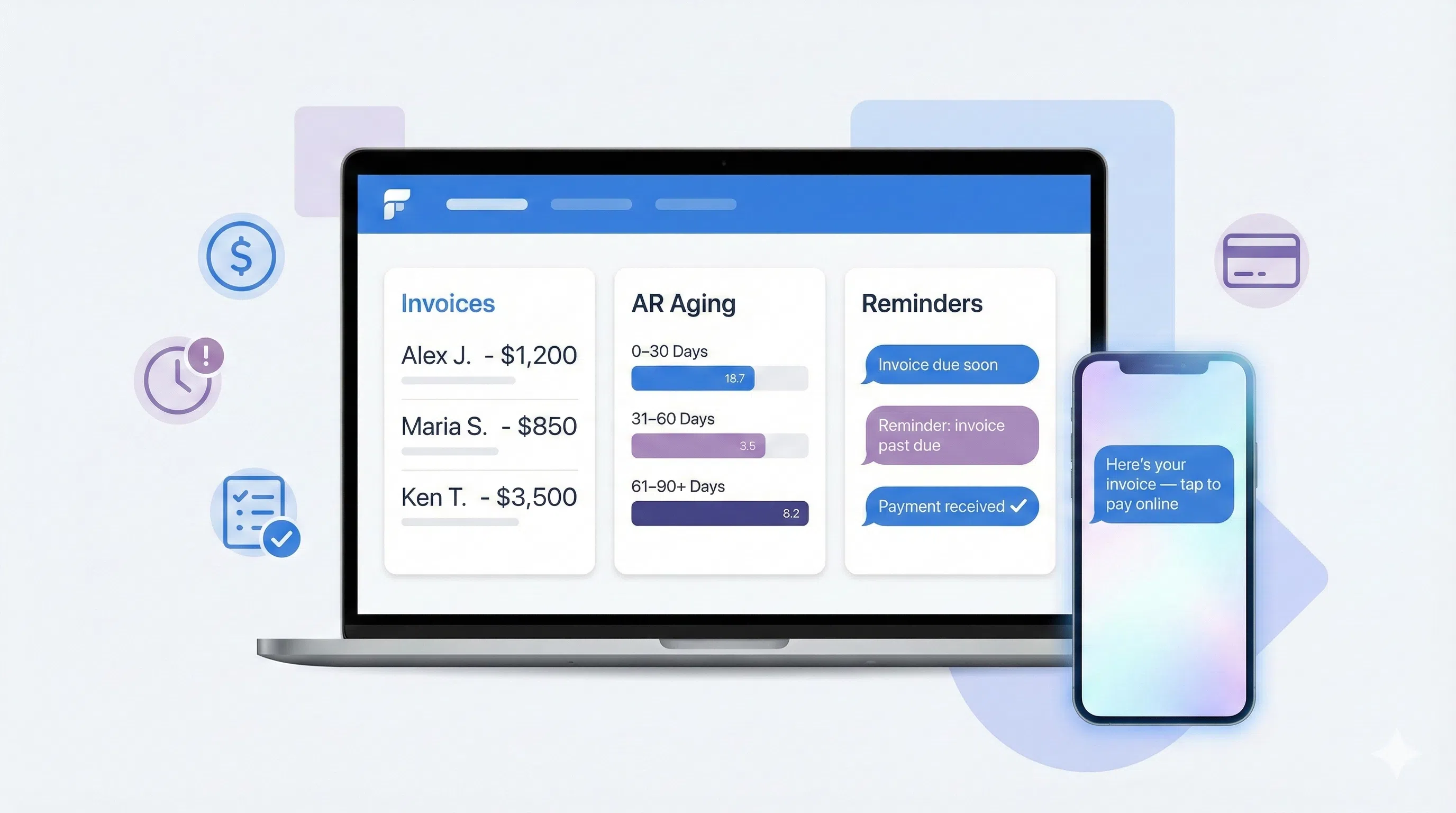
AI collections software for contractors uses AI and automation to chase invoices so you don’t have to. Instead of your office manually writing every reminder, BuildFolio drafts payment-friendly messages, schedules follow-ups, and surfaces key AR metrics.
In practical terms, AI collections software can:
- Send friendly reminders when invoices are coming due, due today, and past due
- Draft escalation messages that stay professional but firm when accounts age out
- Highlight which customers, projects, and trades are slow to pay
With BuildFolio, AI collections is tied into the same quotes, jobs, and online payments you already use, so there’s no re-entering data in a separate collections system.
AI collections vs. chasing invoices by hand
- Manual: spreadsheets, sticky notes, and “meant to follow up last week…”
- AI-assisted: prebuilt sequences + AI-drafted messages you can tweak and approve
- Keep your existing accounting tools—BuildFolio focuses on reminders and AR analytics
Already sending manual reminders? See how BuildFolio’s invoice reminders and AR aging tools turn that into a repeatable collections engine.
What to automate first with AI collections
You don’t need to turn your whole AR process into AI on day one. The fastest wins from AI collections software for contractors usually come from three simple automations.
1) Due & past-due reminders
Replace manual “just checking in on this invoice” emails with consistent, scheduled reminders that follow your tone and policies.
2) Smart payment links & offers
Don’t just say “please pay.” Use AI to frame options—card, ACH, or financing—so customers can clear the balance in a couple of taps.
- Online payments with text-to-pay links
- Contractor financing options for larger balances
3) AR aging dashboards & tasks
Stop asking “who do we need to call today?” BuildFolio shows you which invoices are at 30, 60, 90+ days and suggests next actions.
- AR aging & collections board
- AI-suggested “nudge”, “call”, or “escalate” tasks
AI collections in your revenue workflow
Collections isn’t a separate department—it’s the tail end of your revenue workflow. The power of AI collections software for contractors shows up when quotes, jobs, and invoices all talk to each other.
1) Quote
Start by setting clear expectations and offering payment options.
- AI Photo-to-Quote with deposits & milestones
- Financing options for bigger projects
2) Invoice
Turn approved work into clear, professional invoices with a couple of clicks.
- Photo-to-Invoice from job photos & scope
- 1-Click Final Invoice after change orders
3) Remind
Use AI to send the right reminder, at the right time, on the right channel.
- Invoice reminders by age & balance
- Email automation for payment nudges
4) Collect & review
Once the balance is cleared, close the loop with reviews—not more admin.
- Reviews automation after final payment
- Combine with Free contractor CRM for full history
AI collections software by trade
Different trades have different cash-flow patterns. AI collections software for contractors helps you align reminders with how your customers actually pay—emergency service vs. design-build vs. multi-draw projects.
AI collections for HVAC contractors
Smooth out seasonality by tightening up collections on maintenance plans and off-season installs.
- HVAC quoting software guide for clear payment terms
- HVAC SMS templates for invoices & plans
AI collections for plumbing contractors
Emergency work, landlords, and repeat customers all pay differently. Automate each path without overcomplicating your office workflows.
- Plumbing business software guide
- Plumbing SMS templates for balances due
AI collections for roofing contractors
Manage deposits, progress payments, and final balances across storm events and insurance work without losing track of who owes what.
- Roofing quoting software with draw schedules
- Roofing SMS templates for invoices & supplements
AI collections for remodeling & exterior projects
Multi-stage jobs mean multiple invoices. Use AI collections to keep each milestone on track and cash flowing throughout the project.
Comparing AI collections software options
Many tools can help you get paid—accounting software, manual reminders, debt collectors, or AI collections software for contractors. The question is: which one actually improves cash flow without burning customer relationships?
| Approach | What it looks like | Pros | Tradeoffs |
|---|---|---|---|
| Manual reminders from inbox | Office staff sends one-off emails and texts. |
|
|
| Accounting software reminders only | Basic, same-message-for-everyone email reminders. |
|
|
| Third-party collections agencies | External team chases very late invoices. |
|
|
| BuildFolio AI collections & AR workflow | Invoices, reminders, AR aging, and reviews in one system. |
|
|
Want to compare BuildFolio to other contractor platforms? Visit Contractor software comparisons, including BuildFolio vs Jobber and BuildFolio vs Housecall Pro.
BuildFolio AI Collections vs. Jobber, ServiceTitan, and Housecall Pro
Most field-service platforms have basic invoice reminders. Here’s how BuildFolio’s AI collections differs from the alternatives.
vs. Jobber
Jobber can send payment reminders, but BuildFolio adds AI-drafted messages and real-time AR aging dashboards. We track profit, not just jobs.
- AI drafts collection messages
- AR aging by customer and trade
vs. ServiceTitan
BuildFolio offers invoice reminders and AR tracking at $39/month. Compare current capabilities and pricing directly with each provider.
- $39/mo vs $300+/mo
- No 6-month implementation
vs. Housecall Pro
Housecall Pro has good payment features, but BuildFolio adds AI + profit tracking so you know which jobs and customers are worth chasing.
- Profit Intelligence on every invoice
- Smart escalation sequences
Guides related to AI collections software for contractors
Start with one AR sequence
Pick a single path—like net-14 invoices—and add a simple reminder flow: “due soon”, “due today”, “past-due”. Once that’s working, expand to other terms and customer types.
Watch days sales outstanding (DSO)
Use AR analytics to track how AI collections changes your average days to get paid. Even a small improvement can have a big impact on cash flow.
Protect relationships while collecting
AI should draft reminders that are clear, polite, and on-brand—not aggressive. Keep a human in the loop for sensitive accounts or long-time customers.
AI collections software for contractors: FAQ
What is AI collections software for contractors in plain English?
AI collections software for contractors is a system that helps you get paid by automating invoice reminders, follow-ups, and AR reporting. Instead of manually chasing every invoice, AI drafts messages and schedules outreach so your office can focus on higher-value work.
Do I need to change my accounting or bookkeeping tools?
No. BuildFolio is designed to work alongside tools like QuickBooks Online. You can continue using your accountant’s preferred setup while BuildFolio handles collections-facing workflows such as reminders, AR dashboards, and text-to-pay links.
Will AI collections software hurt my customer relationships?
Used correctly, AI collections should improve customer relationships by sending clear, timely, and respectful reminders instead of last-minute escalations. You control the tone and timing, and your team can always step in personally when needed.
Can AI handle all past-due accounts automatically?
AI can handle most standard reminder flows—especially for small balances and routine customers. For highly sensitive or very late accounts, you can route them to manual review, phone calls, or outside collections if that aligns with your policies.
How do I start using BuildFolio as AI collections software?
Create a free BuildFolio account and connect your quotes, invoices, and payment links. Turn on a basic reminder sequence for upcoming and past-due invoices, then layer in AR aging views, AI-drafted messages, and financing options as you see results.
How fast are you getting paid?
Get your free Profit Score and see how AI collections can help you reduce DSO, automate reminders, and improve cash flow.
Get Your Free Profit ScoreAdd AI collections to your contracting business.
Automate invoice reminders, watch AR in real time, and get paid faster—without hiring extra office staff.