
HVAC Quoting Software for Contractors (2026)
By the BuildFolio Team · Published · Reviewed October 19, 2026.
Use this guide to compare HVAC request intake, equipment and labor records, estimate options and delivery. Test a representative repair and replacement job; verify quantities, prices and handoffs before relying on a draft.
14-day Pro trial; credit card required. After the trial, $39 USD/month renews automatically unless canceled. Cancel before renewal to avoid the next charge.
Get Your Free Profit Score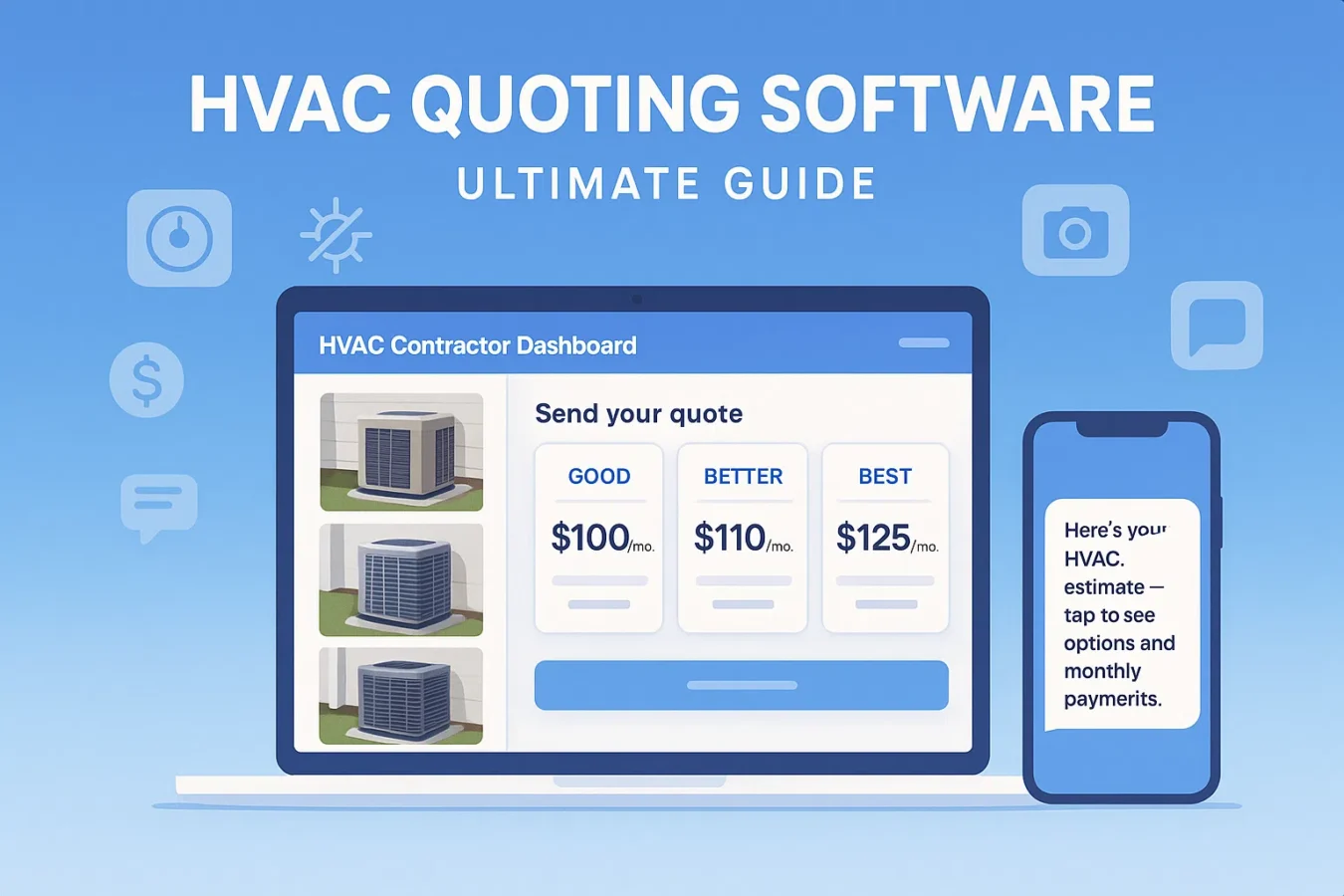
Illustrative recording: review an estimate draft
This recording illustrates photo-based drafting, not a measured setup or quote time. Check current access and usage limits. Written fallback: collect photos and job details, verify measurements, scope, quantities and prices, then review a manual or supported draft before sending.
What is HVAC quoting software?
HVAC quoting software (sometimes called an HVAC estimate app) is a tool that helps you turn customer requests into professional estimates, without living in spreadsheets or rewriting the same line items over and over.
Record photos, equipment identity, scope, pricing and any actual financing terms together. Review the estimate before sending it through a supported delivery path; your team can send manual text follow-ups.
- Stores customer contact info, address, and job details in one system.
- Supports reviewed equipment, labor and scope templates; check each estimate before sending.
- Assigns follow-up records and owners; confirm the response rather than assuming contact.
Test request capture, review, delivery and scheduling separately. Document the person or verified connection moving each field, and check the resulting invoice record.
7 must-have features in an HVAC estimate app
There are dozens of HVAC quoting tools out there. The logos and pricing pages all look the same. Instead of getting lost in marketing fluff, use this checklist when you evaluate software.
1. Mobile-first quoting
Techs should be able to build or adjust quotes on site from a phone or tablet — not wait until they’re back at a computer.
2. Photo-based workflows
Attach unit photos, serial tags, ductwork and panel shots where supported. Verify that the correct photos remain linked when your team prepares the job record and invoice.
3. Good-better-best options
Present 2–3 options (repair vs replace, SEER ratings, brands) with clear pricing instead of a single take-it-or-leave-it number.
4. Financing baked in
If the customer asks about financing, refer them to current provider terms. Record the actual amount, APR, fees, duration and approval requirements; no monthly payment is quoted here.
5. Clear delivery options
Check how a quote reaches the customer and how approval is recorded. BuildFolio sends quotes by email; any text follow-up uses your own phone or texting tool.
6. Status + follow-ups
Check what viewed/accepted status actually records. Assign a person to review the customer’s reply and send any permitted manual follow-up.
7. From quote → job → invoice
Verify how approved line items reach your Job Hub and invoice. If transfer is manual, name the owner and compare the destination record.
Check current account-supported delivery and actual receipt. Your team can send manual text follow-ups; financing applications and offers belong to the external provider.
How HVAC quoting software fits your sales workflow
The goal isn’t just prettier PDFs. It’s a repeatable sales workflow that every tech can follow on every call.
- Lead comes in. From your website, Google Local Services, or a phone call.
- Capture photos & details. Tech snaps photos of the unit, panel, and problem area.
- Build the quote. Use templates + parts libraries to price equipment and labor.
- Present options. Good-better-best with monthly payment examples.
- Send after review. Email the estimate for approval. Arrange scheduling separately.
- Follow up manually. Use your own phone or texting tool to send template messages over the next 3–14 days if they don’t reply.
- Record the customer’s decision, confirm authorization and schedule separately. Check the job and invoice records after the handoff.
Track actual requests, reviewed estimates, decisions, labor and collected payments over a stated period. These records may inform your workflow choice; they do not establish why an outcome changed.
Types of HVAC quoting tools (and pros/cons)
Not every shop needs the same thing. Here’s how the main categories of HVAC quoting tools compare.
| Type | Examples | Pros | Cons |
|---|---|---|---|
| Spreadsheets & PDFs | Excel, Google Sheets, Word templates | Cheap, flexible, easy to start. | Check validation, review, version control and manual record ownership. |
| Generic CRMs | HubSpot, generic sales tools | Good for email campaigns and reporting. | Test equipment, labor and dispatch fields rather than assuming coverage from the category. |
| Field service software | Jobber, Housecall Pro, ServiceTitan | Scheduling, dispatch, quotes and invoices. | Verify current features, plan, configuration and handoffs against your actual requirements. |
| HVAC-first quoting & automation | BuildFolio + a few niche tools | Built around photo intake, financing, and quotes; your team handles text follow-up. | Check support, export, training and ongoing maintenance requirements. |
You can compare a separate capture-and-estimate workflow with your field operations tools. Verify the required handoffs and current features before choosing a stack.
Where BuildFolio fits in (photos, financing, follow-up)
BuildFolio focuses on the parts of the HVAC sales process that usually fall through the cracks: lead capture, photos, financing, and follow-up.
- Lead capture widget: Add “Get a quote” to your site with photo uploads and address collection.
- AI Photo-to-Quote: Start a draft estimate from homeowner photos using AI Photo-to-Quote.
- Financing widgets: Add “See monthly payments” buttons with the HVAC financing widget.
- Assign a person to send reviewed replies using manual follow-up templates. Confirm current account and provider configuration before relying on any automatic response.
- Check what the Job Hub records for a customer, which fields are missing and who maintains them.
30-day implementation checklist
The four-week sequence below is an example plan. Progress when access, templates, review and handoffs work for your team; it is not a setup-time promise.
Week 1 — Pick your stack
- Decide whether quoting lives in your existing FSM tool or a front-end like BuildFolio.
- List current price sheets, brands, and packages you sell most often.
Week 2 — Build templates
- Create good-better-best templates for common jobs (AC replacement, furnace only, split system).
- Set up your financing widget and add it to key pages on your site.
Week 3 — Train the team
- Run 2–3 ride-alongs where techs build quotes in the app instead of on paper.
- Assign someone to reply to missed calls and send a simple 3-touch SMS follow-up from templates for open quotes.
Week 4 — Measure & adjust
- Compare close rates and average ticket size to your old process.
- Refine templates, photos, and SMS scripts based on what actually converts.
Common HVAC quoting mistakes (that software can fix)
Slow follow-ups
Record when the customer asked to hear back and assign a response owner. Send a reviewed reminder through your permitted channel and record the actual reply.
Forgetting financing
Ask whether financing information is wanted. Refer interested customers to actual provider terms; a displayed button does not establish approval, cost or available payments.
Inconsistent pricing
Compare equipment, labor, overhead assumptions and scope against current records. A shared template still requires review and does not guarantee margin or prevent under-bidding.
No photo record
Keep relevant photos and observations with the reviewed scope, subject to permission and access rules. Verify the actual saved record; do not assume that a tool captures it automatically.
HVAC quoting software FAQs
Do I really need HVAC-specific quoting software?
You may not need an HVAC-specific product if your current tools let you review equipment, labor, scope and options, then record the customer’s decision. Test a representative repair and replacement workflow before choosing a more specialized system.
What does HVAC quoting software typically cost?
Cost depends on seats, plans, usage and optional services. Compare a current written quote for the specific workflow you need. Check BuildFolio’s current Free and Pro features, limits and signup terms before choosing.
Can I use BuildFolio alongside Jobber or Housecall Pro?
You can evaluate a separate capture and estimate-review workflow while keeping your existing dispatch or job-management tools. Document who transfers each field and verify the resulting record; no automatic connection is promised.
How long does it take to get up and running?
Start with a small pilot: set up access, test one request and reviewed estimate, then train the people who will maintain the records. Expand when the workflow and handoffs work for your team; the week-by-week plan is an example rather than a promised setup time.
What if my techs aren’t “tech-savvy”?
Keep the first workflow short: collect photos, review a familiar template, check the numbers and send through the supported delivery path. Practice on a representative job, assign review responsibilities and provide help before adding more features.
Ready to modernize your HVAC quoting?
Capture leads with photos, show monthly payments, and send quotes through your verified delivery workflow. Start free, then check the current quoting options when you are ready to upgrade.
14-day Pro trial; credit card required. After the trial, $39 USD/month renews automatically unless canceled. Cancel before renewal to avoid the next charge.
Start on the Free Tier