
Contractor invoicing software: review the bill before sending
An invoice records a charge; it does not prove delivery or payment. Use this guide to review the customer, agreed work, amounts already billed and actual receipt evidence before requesting a send or changing a status.
By BuildFolio Team. Originally published . Reviewed . We publish BuildFolio; account access, invoice state and provider setup still need checking. The hero artwork is an illustration, not a verified invoice or payment record.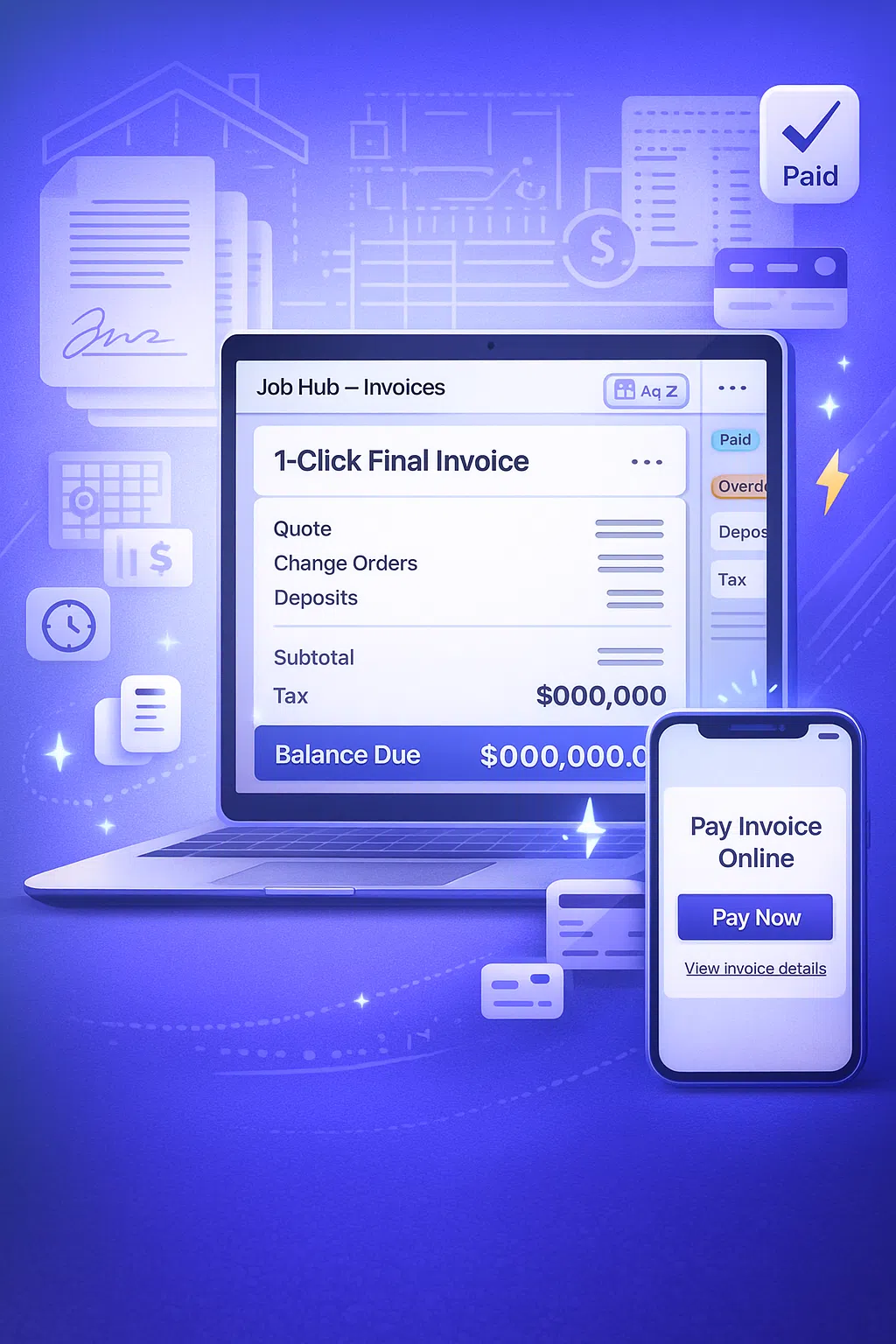
What is contractor invoicing software?
Contractor invoicing software stores bills and their records. Start by checking the customer, job reference, agreed scope, invoice number, date, due date, line items and total. Keep the agreement and receipt evidence available for review.
Creation, an email-send request, provider acceptance, a recorded view and payment are different states. Review the actual record and any error before choosing the next action; no software account guarantees an accurate bill, customer receipt or faster payment.
You can begin with invoice templates in a spreadsheet. Verify and enter the details in the tool you choose; this guide does not qualify a general spreadsheet, PDF or job import.
Review before creating or sending
- Match the customer and job to the agreed work.
- Confirm approved scope changes and the amounts being billed.
- Separate prior invoices from money actually received.
- Check the email address, invoice state and your next manual action.
What to check when choosing invoicing software
Compare the records and controls needed for your work. A feature name or linked guide is not proof of account eligibility, a completed sync, delivery or settlement.
Scope, invoice type and prior bills
Confirm the original work, approved changes, tax treatment and whether the bill is a deposit, progress bill or final invoice.
- Review line items, quantities and prices yourself.
- Compare the proposed charge with the agreed work and approvals.
- Keep amounts already invoiced separate from receipts and credits.
Payment eligibility and follow-up
Creating a bill is different from enabling a payment link. Check plan access, invoice state and processor connection before offering online payment.
- Confirm the actual payment link and its availability.
- Review invoice reminders as conditional email follow-up; a reminder is not proof of receipt.
- Use AR and collections guidance to review records; no collection result is guaranteed.
Accounting records and reconciliation
Do not infer a completed accounting transfer from creating an invoice. Check the connection, result or error and the corresponding record in each system.
- Read QuickBooks Online integration guidance and verify actual access and connection.
- Reconcile billed amounts, receipts, credits and remaining work manually.
- Review analytics and dashboards as recorded panels, not a promise of complete financial coverage.
Review the same invoice questions in any tool
A spreadsheet and an app both need correct source records. Use these categories to check the proposed bill and the actual status; the right column describes current BuildFolio boundaries, not a universal feature score.
| Workflow | Review in any tool | BuildFolio check and limitation |
|---|---|---|
| Building the invoice | Compare each line with the agreed work, quantities, prices and tax settings. | Final-invoice guidance explains a job-based bill. Review all amounts before sending. |
| Change orders | Keep the approval and review the proposed incremental charge. | Change-order guidance is a starting point; confirm the actual approved scope and job values. |
| Deposits & partials | Identify amounts previously billed and receipts separately. | A final invoice subtracts amounts already invoiced, not payments received. Check receipts separately. |
| Payment options | Check the actual payment method, eligibility and settlement evidence. | Online payment-link guidance requires current plan access, eligible invoice state and an enabled processor account; no ACH or financing availability is established here. |
| Collections & reminders | Choose a relevant follow-up and inspect any delivery or request error. | Conditional email invoice reminders and recorded Collections views do not prove customer receipt or payment. |
| Job history | Keep the customer/job reference and related bill and receipt records. | Review the actual Job Hub and invoice records; no claim that every document, message or external payment is synchronized. |
A manual invoice review in the current workflow
Free accounts can create invoices and request email sends, subject to account and invoice-state checks. Review the actual invoice rather than assuming a quote, completed job or provider response establishes a payable balance.
Confirm the customer and work
Start from the actual request and agreed scope. AI estimate guidance still requires your review of measurements, quantities and prices.
- Match the customer, job and invoice reference.
- Check descriptions, quantities, prices, tax and exclusions before creating the bill.
Reconcile prior bills and changes
Read change-order guidance and verify the actual approval. Keep prior deposit/progress invoices and receipts separately.
- A final invoice subtracts amounts already invoiced, not payments received.
- A recorded offline payment is your team’s entry, not independent bank-settlement proof.
Request email and check the result
Invoice sending is email only. A provider-accepted send is not proof that the customer read the email or paid the invoice.
- Eligible invoice state, a valid customer email and a successful response still matter.
- Do not resend terminal invoices or mark a bill paid based only on a message or screenshot.
Check an invoice workflow before choosing paid tools
Free account creation requires no credit card. Review an invoice draft and the current pricing terms; paid access and provider setup are separate checks.
Trade examples: facts to verify before billing
These are manual review examples, not measured customer results or automatic trade-specific processing. Verify the scope and records for the actual job.
Roofers and exterior contractors
Check agreed tear-off, installed area, decking work and approved supplements against the actual bill.
- Use the roofing invoice template as text to review and enter.
- Read roofing workflow guidance without assuming an automatic sync or verified measurement.
HVAC replacement and service
Confirm equipment, service work, agreed options and any prior bills before calculating a charge.
- Review the HVAC invoice template.
- The HVAC financing reference does not establish eligibility, an offer, approval, funding or payment of an invoice.
Plumbers and drain specialists
Verify the service-call fee, parts, time and materials, and actual scope before sending a bill.
- Adapt plumbing invoice templates to the actual work.
- Keep the related photos, notes, approvals, invoices and receipts available for manual review.
Contractor invoicing software – common questions
What should I check before using QuickBooks or online payments?
Verify plan access, the connected account and the sync result in both systems. An invoice record is not a completed accounting transfer. Payment links require an eligible invoice and enabled processor setup; the payment-processing guide is a reference, not a guarantee of card, ACH or settlement availability.
Can I start with templates and enter the records later?
Yes. Review contractor invoice templates and quote templates, then verify and enter the details you need. No general spreadsheet, PDF or job-import capability is qualified here. Keep the original agreement, prior bills and receipts.
How long will setup or the first invoice take?
No fixed setup or invoice-completion time is established. Account access, customer details, line items, invoice state and any processor connection need checking. Email-only send requests can fail; provider acceptance does not prove customer receipt, reading or payment.
What is Free, and what requires a separate check?
Free account creation requires no credit card, and basic invoice creation and email-send requests are available on Free subject to account and state checks. Online payment links and email reminders require the applicable paid access and setup. A separate Pro trial requires a card; check current billing and renewal terms before choosing it. Financing approval and funded payments are not included guarantees.
- AI Billing Software for Contractors — review costs, invoices and records manually
- Contractor Payment Processing Software — verify actual account and processor eligibility
Review the invoice and actual account terms
A software account does not guarantee import, delivery, collection or funding. Keep your bill and receipt checks separate.