
Remodeling Financing Options for Homeowners
Turn “someday” remodels into booked projects with clear remodeling financing options. BuildFolio lets you add a “See monthly payments” button to your website and quotes, so customers can explore possible financing for kitchens, bathrooms, windows, and whole-home projects through a third-party lending marketplace. Applications, credit checks, and offers happen there.
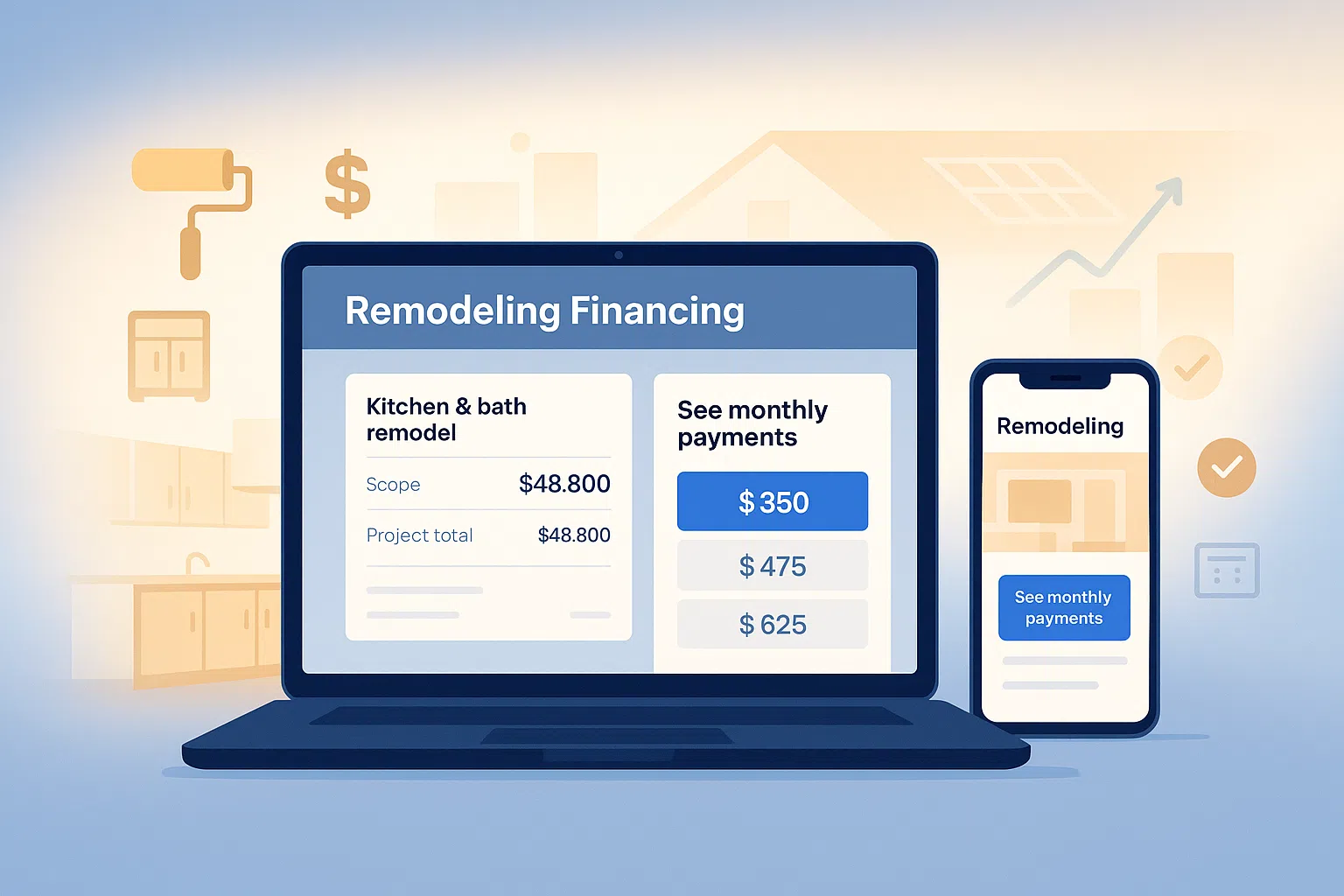
What are remodeling financing options?
Remodeling financing options let homeowners break one large renovation cost into affordable monthly payments. Instead of only saying “this kitchen remodel is $42,000,” you can show a clearly labeled illustrative monthly-payment example on your website and quotes, then send homeowners to a lending marketplace for actual options.
BuildFolio includes a financing widget that gives you:
- A “See monthly payments” button on key remodeling service pages
- Financing calls-to-action built into your estimates and follow-ups
- A separate lead capture form for homeowners who submit project inquiries
- The ability to use your existing bank accounts & payment processors for invoices
You stay focused on design, install, and project management. The financing button links to a third-party marketplace; the separate BuildFolio lead form collects project inquiries.
Add a remodeling financing button
In your BuildFolio dashboard, open Widgets and copy the Financing Widget embed code supplied for your account. Paste that code into a Custom HTML or embed block on your remodeling or kitchen & bath page, then publish and test the button. Use the dashboard code as supplied instead of a sample organization ID or hand-built script tag.
Place this near your “Get a quote” or “Schedule design consult” button. The button opens a third-party lending marketplace. Applications and lender decisions stay there; use a separate BuildFolio lead form for project inquiries in your dashboard.
Want the bigger picture? See the full contractor financing options guide.
Why offer remodeling financing on every project?
Large remodels are easy to postpone. Financing makes them easier to start. When you show monthly payments alongside project totals, you remove a major objection and protect your margins.
Increase close rate on high-ticket projects
Homeowners may hesitate at a $60k whole-home remodel. But $549/month feels more approachable. Financing lets you frame price in a way that fits budgets.
Upsell scope without discounting
Instead of slashing price, suggest adding floors, windows, or a better layout and show how little it changes the monthly payment. Financing helps you grow project size while protecting profit.
Stand out from remodelers who hide pricing
Many remodeling contractors still keep pricing vague. A clear “See monthly payments” CTA on your website and estimates makes you feel more transparent and easy to work with.
How BuildFolio’s remodeling financing widget works
BuildFolio doesn’t turn you into a bank. It gives you a simple way to put remodeling financing options in front of customers through a third-party marketplace.
- Homeowners click “See monthly payments” on your remodeling page or quote.
- The button takes them to a third-party lending marketplace.
- Any application, credit check, lender decision, and actual offer happen outside BuildFolio.
- If they also submit your separate BuildFolio lead form, you see that project inquiry in your dashboard. Marketplace activity does not create a BuildFolio lead.
On Professional, you can combine financing with:
- AI Photo-to-Quote to turn project photos into estimates that can include illustrative payment examples
- manual missed-call follow-up templates your team sends to customers who separately submitted a project inquiry
- Invoice reminders once the remodel is complete
Summary: remodeling financing referral and project workflow
- Financing widget for your website, landing pages, and lead forms
- Monthly payment framing on quotes and follow-up messages
- Project inquiries from your separate BuildFolio lead capture form
- Works alongside your existing CRM and accounting tools
Already doing other financed work? Connect this page to:
Remodeling financing options by project type
BuildFolio works across remodeling categories. Use financing to move customers from “maybe later” to “let’s get this started” on the projects that matter most.
Kitchen renovation financing options
Cabinets, counters, appliances, and layout changes add up quickly. Financing lets you present the full design without forcing customers to cut back to fit cash on hand.
- “See monthly payments” button on kitchen remodel landing pages
- Payment examples built into kitchen design estimates
Bathroom remodel financing options
Walk-in showers, tile work, and upgraded fixtures are easier to sell when customers can spread costs over time. Financing turns “just replace the tub” into a complete bath project.
- Financing CTA on “bath remodel” and “shower upgrade” pages
- Follow-up SMS that mention payment options instead of discounts
Window & door replacement financing options
Energy-efficient windows and doors often qualify for rebates and savings, but the upfront cost is still high. Financing makes full-house replacement more realistic.
- Payment examples on window and door upgrade pages
- Financing widget near “book an energy audit” CTAs
Basement, addition & whole-home financing
Finishing a basement or adding a room is a major investment. Financing lets you sell comfort and extra space without forcing customers to wait years.
- Financing CTA on “addition” and “basement finishing” landing pages
- Payment-focused follow-ups with clear timeframes and scope
Best practices for remodeling financing options
Make financing visible, not buried
Put your “See monthly payments” button above the fold on major remodeling pages and near any pricing or “starting at” text. Customers shouldn’t have to dig through FAQs to see payment options.
Lead with payments instead of discounts
Before you cut price, show monthly payment examples. This keeps your gross margin intact while still helping customers feel comfortable moving forward on full-scope work.
Follow up with financing-aware messaging
Your team can use its own email or texting tool to answer questions about remodeling financing options, how long quotes are valid, and what happens if material pricing changes. Clear timelines and payment options beat vague “just checking in” messages.
Remodeling financing options: FAQ
Do I need a lending license to offer remodeling financing?
BuildFolio is not a lender; it adds a financing referral button to your sales process. Customers leave for a third-party lending marketplace, where applications, credit checks, and decisions happen. Ask a qualified professional about any licensing obligations for your own activities.
Will financing hurt my profit margins?
In most cases, financing protects margins. Instead of heavy discounts to get a yes, you can show a monthly payment that fits your customer’s budget. Many remodelers see higher average project size once they add clear financing options.
Can I use BuildFolio’s financing widget without changing my CRM?
Yes. You can keep tools like Jobber, Housecall Pro, or other software. The BuildFolio button links to an external marketplace, while a separate BuildFolio lead form collects project inquiries. Marketplace applications and decisions are not tracked in BuildFolio.
What types of remodeling projects work best with financing?
Financing works especially well for kitchen remodels, bathroom remodels, window and door replacements, basement finishing, additions, and whole-home renovations. Any project that would normally be delayed because of cost is a candidate.
How much does it cost to use BuildFolio’s financing widget?
The financing widget is included with BuildFolio. You can start on the Free tier to test the button and upgrade to Pro when you’re ready for AI-assisted quoting, invoice reminders, and more detailed reporting. See the pricing page for current plans.
Add a financing button to every remodel quote.
Start offering remodeling financing options on your website and estimates today. Upgrade to AI-assisted quoting and invoice reminders when you’re ready.