
Landscaping Financing Options (2026): Show Monthly Payments on Your Site
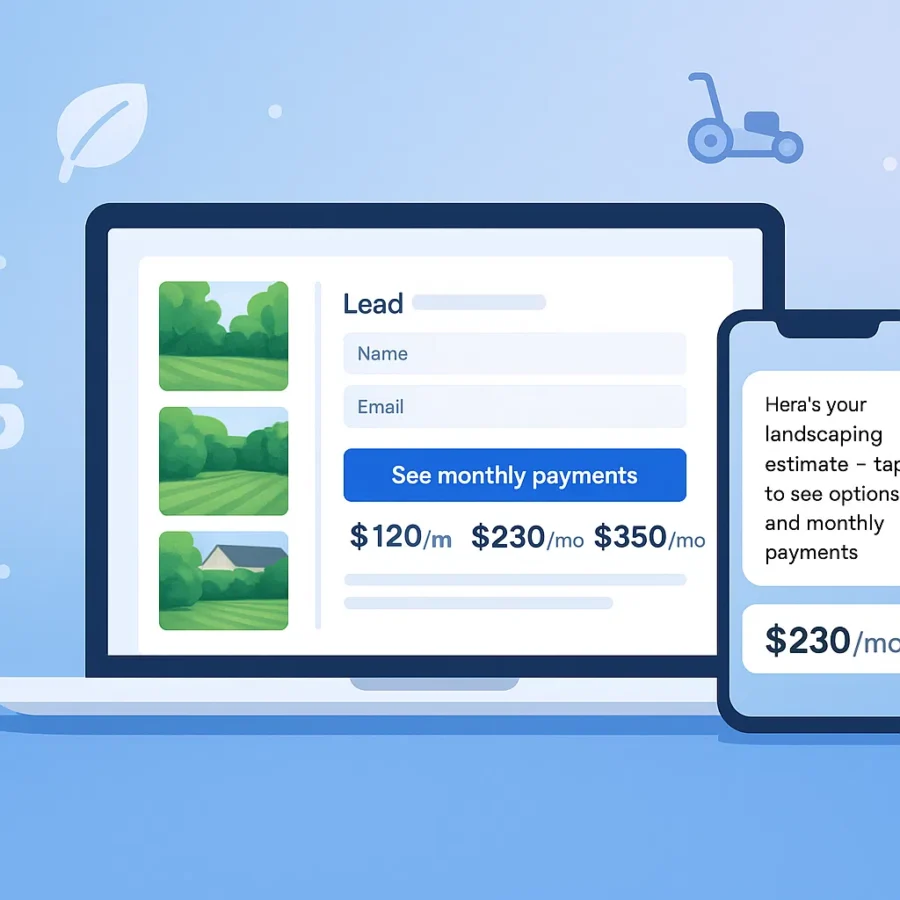
Landscaping financing options can help homeowners plan patios, sod installs, lighting, and hardscapes. Add a free “See monthly payments” referral button to your site, collect project inquiries with a separate lead form, and send estimates with illustrative payment previews. Works with any website; upgrade later for AI quotes and team-sent follow-up templates.
What are landscaping financing options?
A financing referral button lets homeowners leave your site for a third-party lending marketplace to explore payment options for outdoor projects. Any application and credit check happen there under the marketplace’s and lender’s terms. Place a separate BuildFolio lead form nearby to collect project inquiries.
- Works on any site — WordPress, Wix, Squarespace, Webflow, custom HTML.
- No credit card to start — the widget is included in the Free tier.
- Manage project inquiries — leads submitted through the separate lead capture widget appear in your dashboard; marketplace applications do not.
Boost close rate
Seeing $/mo beats sticker shock. More homeowners say yes to patios and lighting packages.
Increase average ticket
Financing makes upgrades (pavers, pergolas, low-voltage lighting) easier to approve.
Faster decisions
A clear link to the marketplace lets homeowners review any available lender offers on their own time.
Payment examples by project size
| Project | Typical amount | Example payment* |
|---|---|---|
| Sod install (2,000 sq ft) | $3,500 | ≈ $81/mo |
| Landscape lighting (10 fixtures) | $4,800 | ≈ $111/mo |
| Paver patio (250 sq ft) | $9,500 | ≈ $219/mo |
| Pergola + planting | $14,000 | ≈ $322/mo |
*For illustration only. Actual terms depend on lender, credit, and market rates. Use your BuildFolio financing link for real offers.
Add a free financing button to your site
- Sign up Free → app.build-folio.com/signup
- Copy your financing widget snippet.
- Paste it above the fold on key pages (home, patios, lighting, sod, hardscapes).
- Test that the button opens the third-party marketplace; check separate lead-form submissions in your BuildFolio dashboard.
You can pair financing with the lead capture widget to collect photos and addresses in one shot.
<!-- BuildFolio Financing Button -->
<script src="https://cdn.build-folio.com/finance.js" data-color="#2563EB" data-label="See monthly payments"></script>
Customize color/label as needed. Full instructions: Add a financing button.
Compliance & consent basics for financing links
- Use plain language around rates/terms; avoid guarantees.
- Log consent when texting updates; honor STOP/UNSUBSCRIBE.
- Link to your privacy policy and lender terms where applicable.
For general consumer-finance guidance, see the CFPB’s resources on disclosures and advertising best practices: consumerfinance.gov.
Setup by platform
WordPress
- Add a Custom HTML block where the button should appear.
- Paste the snippet and update the label/color.
- Publish and test on mobile.
Wix
- Editor → Embed → Custom Embeds → Embed a Widget.
- Paste the BuildFolio snippet and position above the fold.
Squarespace
- Add a Code block to your section.
- Paste the snippet, save, and preview.
Webflow & custom HTML
- Drag an Embed element where needed.
- Paste the snippet and publish.
FAQ: Landscaping financing options
Is this really free?
Yes. The financing referral button is included in BuildFolio’s Free tier. The separate lead capture widget has its own dashboard for submitted project inquiries. Upgrade to Pro for AI Photo-to-Quote and copy-paste follow-up and review-request templates your team sends.
Will this slow my site?
The widget is lightweight and designed to protect Core Web Vitals. You can confirm with PageSpeed Insights.
Do I have to use BuildFolio for everything?
No. Many contractors start with financing + lead capture and add AI quoting and invoice reminders later. BuildFolio plays nicely with other tools.