
Roofing Business Software (2026 Guide): Capture Leads, Quote Faster, Get Paid
This guide breaks down roofing business software in plain English. We’ll cover lead capture, photo-based estimating, production calendars, and invoice reminders—and show how BuildFolio can sit in front of tools like Jobber or Housecall Pro to handle capture, financing, SMS, and AI quotes.
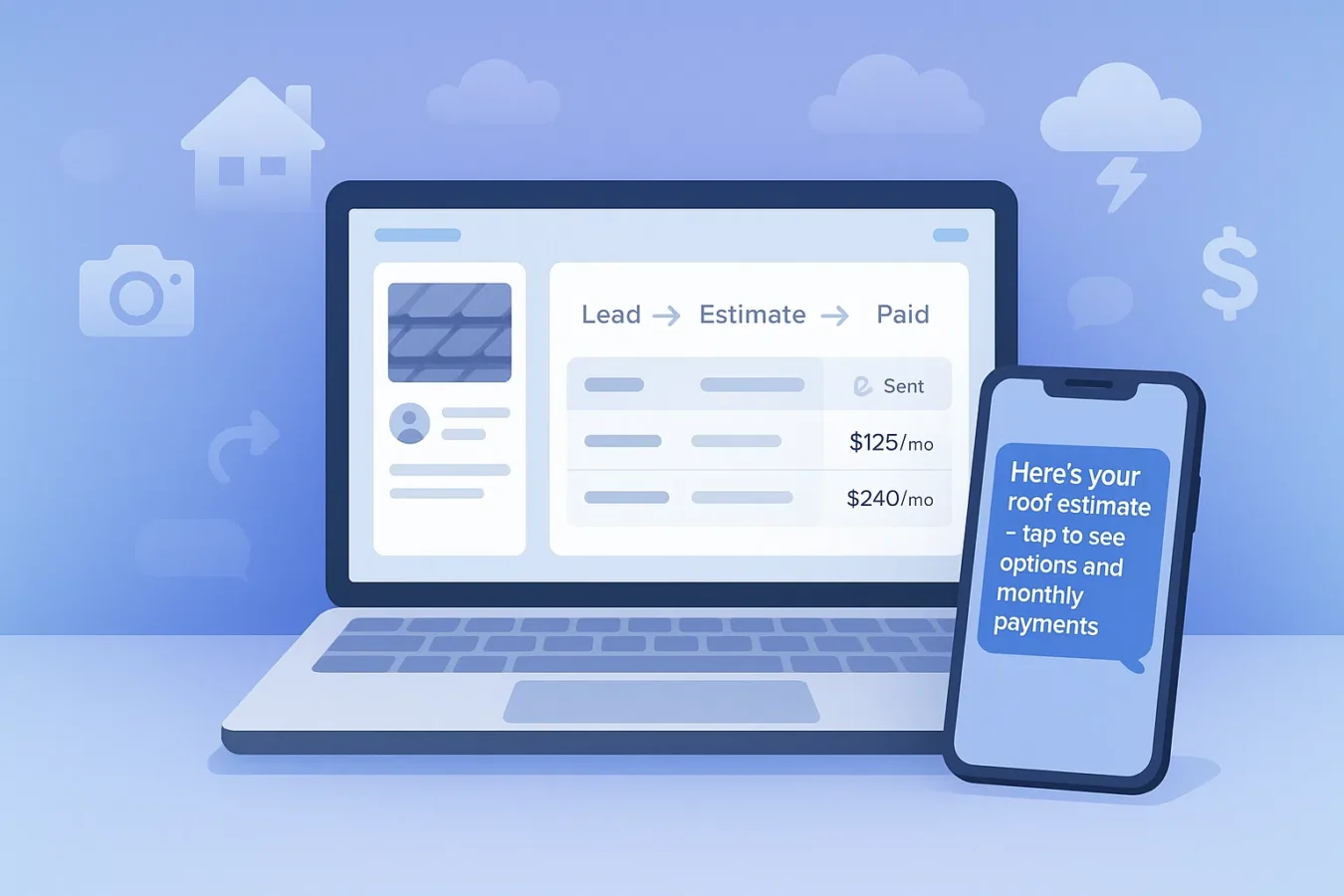
What is roofing business software?
Roofing business software is the stack of tools that runs your roofing company—from the moment a storm-damage lead hits your website, to when the final invoice is paid and synced to your books. It usually includes:
- Lead capture (forms, photo uploads, financing buttons, sometimes chat/SMS)
- Estimating and estimates (roof measurements, line items, good-better-best options)
- Job management and production calendars (crews, materials, inspections)
- Invoicing, payments, and invoice reminders
The mistake most roofing companies make is buying a big “all in one” before fixing the front end. If your lead capture, photos, and financing aren’t dialed in, no amount of back-office roofing software will save you.
5 signs you’ve outgrown spreadsheets and sticky notes
- Leads are slipping through the cracks. Storm week hits, you’re out on roofs, and voicemails pile up.
- Quotes take hours, not minutes. Photos live on three phones, notes are in texts, and pricing is in someone’s head.
- Production is chaos. Crew schedules live in a whiteboard photo. Customers call asking “when are you coming?”
- Change orders aren’t tracked. Upgrades get done, but paperwork and signatures lag.
- Cash flow is lumpy. You chase invoices manually and forget who still owes what.
If you nodded at 3+ of these, it’s time to put a simple roofing business software stack in place.
Roofing business software stack: 5 core modules
1. Lead capture & marketing
Start with a roofing lead capture system that can handle:
- Photo uploads (hail, wind, leak photos)
- Address capture for mapping & “on my way” texts
- Roofing financing widget (“See monthly payments”)
2. Estimating & estimates
Your quoting software should turn roof photos into a professional estimate quickly:
- Line-item templates for common roof types
- Good-better-best options with payments
- E-signatures and version history
BuildFolio’s AI Photo-to-Quote is designed to draft those estimates from photos and a few inputs.
3. Production & scheduling
Tools like Jobber and Housecall Pro shine here: crew assignments, calendars, work orders, and checklists.
If you’re not ready for a full field-service system yet, a simple production calendar and job board is enough to start.
4. Invoicing, payments & reminders
At minimum, roofing software should support text-to-pay links and automated Day 3/7/14/30 invoice reminders so you’re not chasing checks.
5. Reporting & job profitability
Simple dashboards for booked jobs, average ticket size, close rate, and financing usage beat complicated reports you never open.
Types of roofing business software (and where BuildFolio fits)
| Category | Examples | Best for |
|---|---|---|
| Front-end capture & automation | BuildFolio | Roofers who want better lead capture, financing, SMS, and AI quotes without replacing their whole system. |
| Field service / job management | Jobber, Housecall Pro | Scheduling, crew management, work orders, basic CRM. |
| Marketplaces | Angi Leads, HomeAdvisor | Buying leads (but you still compete with 3–5 other roofers per job). |
| Accounting & books | QuickBooks, Xero | Financials, taxes, payroll—not built for roofing workflows. |
Many roofers use BuildFolio as a front-end layer for lead capture + financing + SMS + AI quotes, then push accepted jobs into Jobber or Housecall Pro. See detailed comparisons: BuildFolio vs Jobber, BuildFolio vs Housecall Pro, and BuildFolio vs Angi Leads.
Roofing-specific needs: storms, insurance, and financing
Storm & insurance jobs
You need fast intake for storm leads: multiple photos, policy details, and notes—all tied to a single job record, not scattered across texts.
High-ticket quotes
Roof replacements often run $8K–$25K. Software should make financing options visible on every estimate.
Before/after documentation
Photos, videos, and inspection notes matter—for supplements, disputes, and reviews. Your software stack should keep those tied to each job.
BuildFolio’s roofing financing widget and roofing lead capture use case were designed specifically around these scenarios.
How BuildFolio fits with Jobber & Housecall Pro
BuildFolio = capture, convince, and close
- Free contractor CRM for roofing leads
- Photo intake + financing buttons on your site
- Missed-call text-back + 14-day SMS follow-ups
- AI Photo-to-Quote + estimate builder
Jobber / Housecall Pro = run the job
Once a roofing job is sold, many contractors still prefer Jobber or Housecall Pro for day-to-day operations:
- Crew scheduling and routes
- Work orders and checklists
- On-site time tracking
That’s why many roofers run a “best-of-both” stack: BuildFolio for front-end revenue work, Jobber or Housecall Pro for field ops.
Roofing business software checklist
Use this checklist while you evaluate vendors or assemble your own stack:
Must-haves
- Photo intake from your website & in the field
- Financing options on every quote
- SMS for missed calls and follow-ups
- Digital estimates + e-signatures
- Text-to-pay links and invoice reminders
Nice-to-haves
- AI-assisted quoting from photos
- Automated review requests
- Integration or exports for QuickBooks
- Recurring service reminders (roof maintenance)
How to choose roofing business software in 10 minutes
- Write down your top 3 pain points. Missed calls? Slow quotes? Production chaos? Late payments?
- Assign each pain a module. Capture, Quote, Schedule, Execute, Collect.
- Pick 1–2 tools max. One front-end tool (like BuildFolio) and one back-office tool (like Jobber) is enough for most roofers.
- Run a 30-day experiment. Install the lead capture + financing widget, turn on SMS, and track close rate and average ticket.
- Upgrade only if ROI is clear. Software should pay for itself in booked roofs, not busywork.
FAQ: Roofing business software
Do I need roofing business software if I’m a small shop?
If you’re doing more than a handful of roofs per month, software pays for itself. Even solo roofers benefit from better lead capture, faster estimates, and automated follow-ups—especially during storm season.
Can I use BuildFolio with Jobber or Housecall Pro?
Yes. Many contractors use BuildFolio for front-end capture (website widgets, financing, SMS, AI quotes) while keeping Jobber or Housecall Pro for field operations. Leads you close can be pushed or recreated in your job-management tool.
Is roofing business software expensive?
BuildFolio’s Free tier includes a lead capture widget, financing widget, and dashboard at $0. Professional (with SMS automation and AI quoting) is currently $39/mo. Other roofing CRMs and field-service tools can range from $30–$300/user/month.
Will I have to rebuild my entire system?
No. Start with the part that touches homeowners first: your website and follow-ups. Add BuildFolio on top of what you already use, then decide later if you want to replace your back-office tools.
Quote Smarter. Close Faster. Keep More.
Add BuildFolio for roofing lead capture, financing, SMS, and AI quotes. Keep your existing tools—or replace them later.